
Digital Product Design featuring Connected Spaces/Internet of Things + Augmented Reality
With POWER UP, gymgoers can surpass their strength goals by tracking their reps, weight, speed and power automatically. Users can view Augmented Reality Form demos of their favorite lifts in real time, so they can perfect their technique. They can compete against themselves or other POWER UP gyms around the country, just by starting up the app and training in POWER UP gear at POWER UP-equipped gyms. POWER UP helps athletes put the work into lifting, and not into charting their progress.
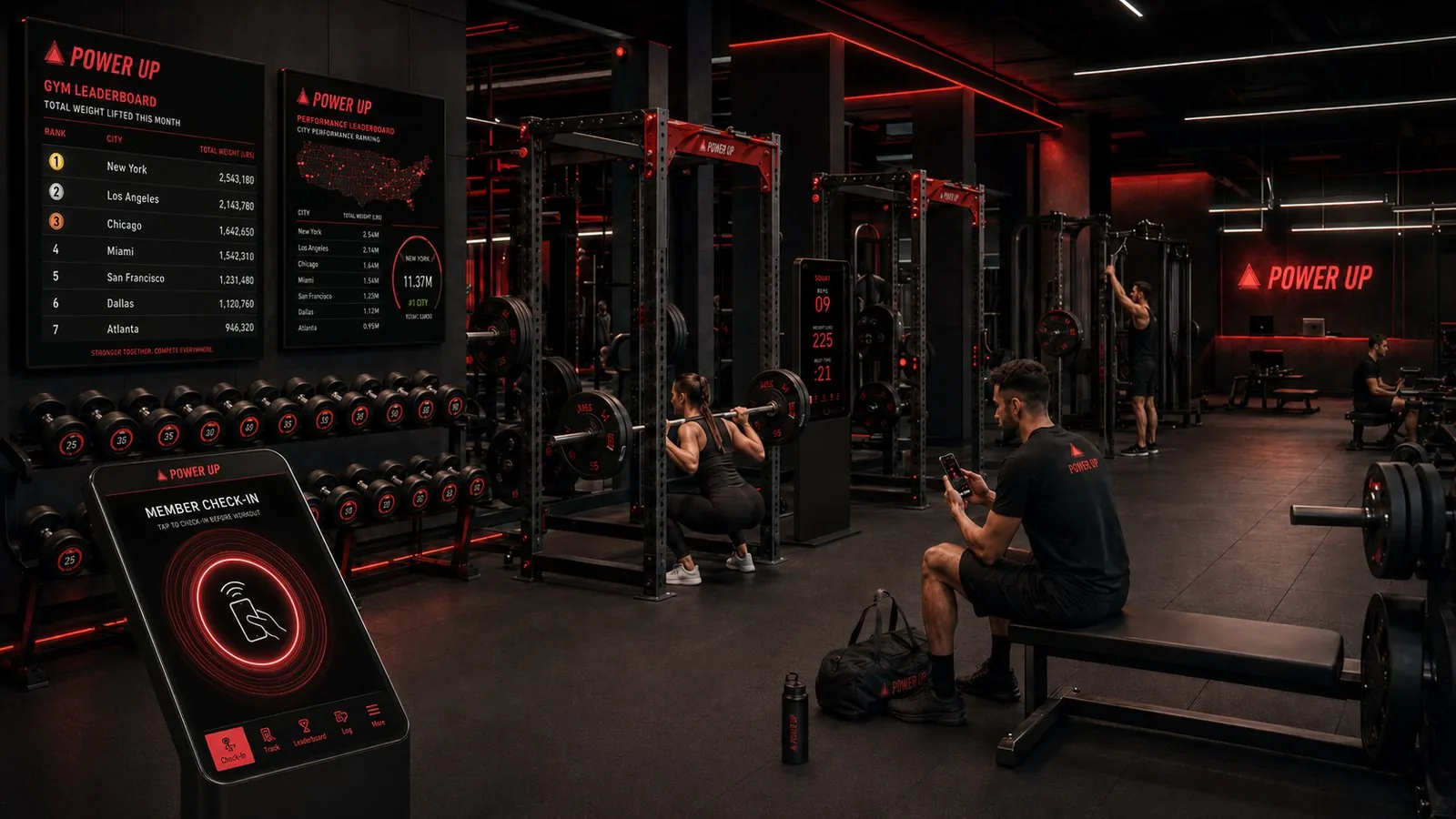
Inside a POWER UP smart gym: wall leaderboards rank cities by total weight lifted, a member check-in kiosk greets athletes, and sensor-equipped racks read out live reps and weight as members train.
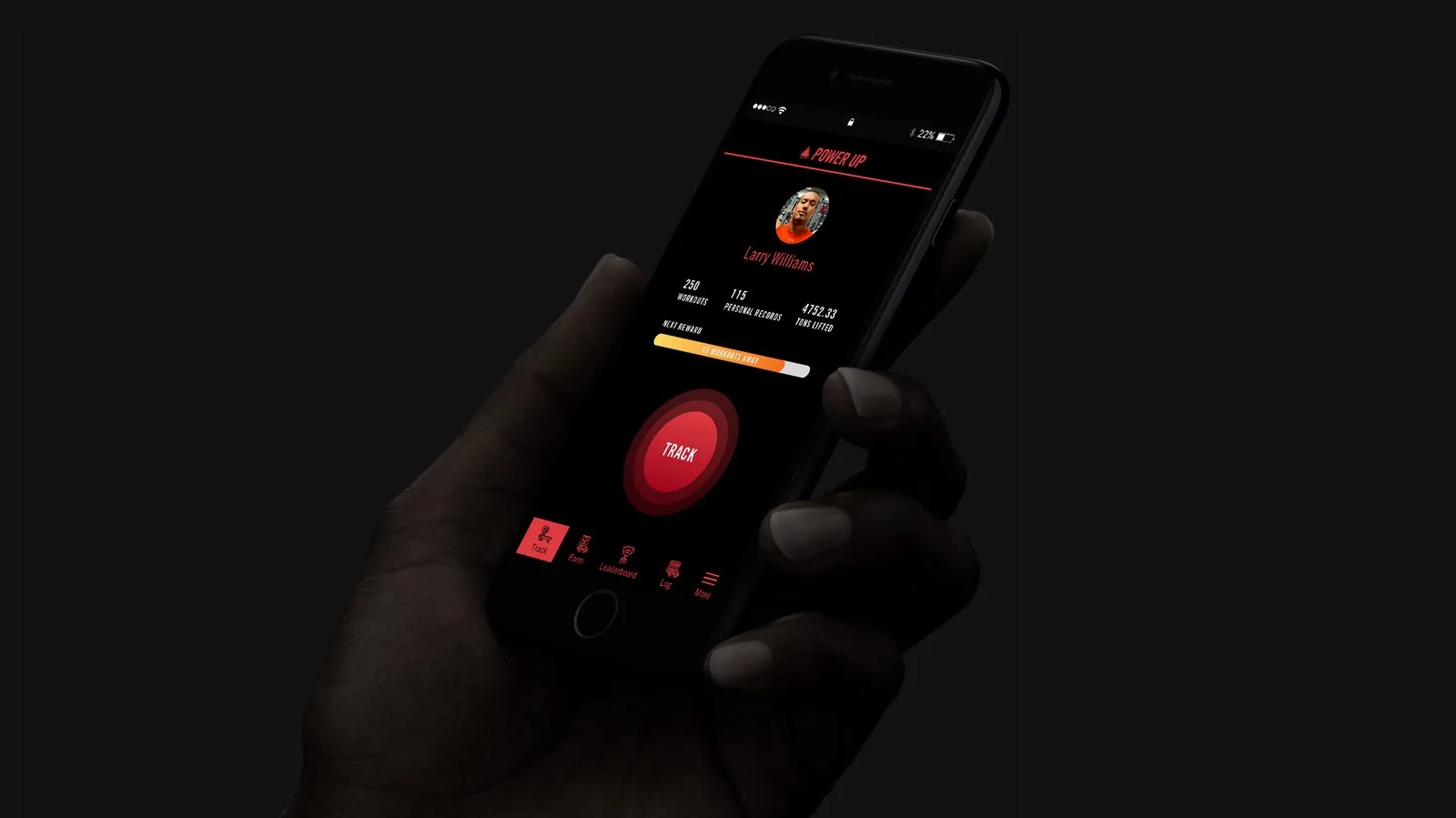
Home screen mockup: workout, personal record and tons-lifted stats above the red Track button.
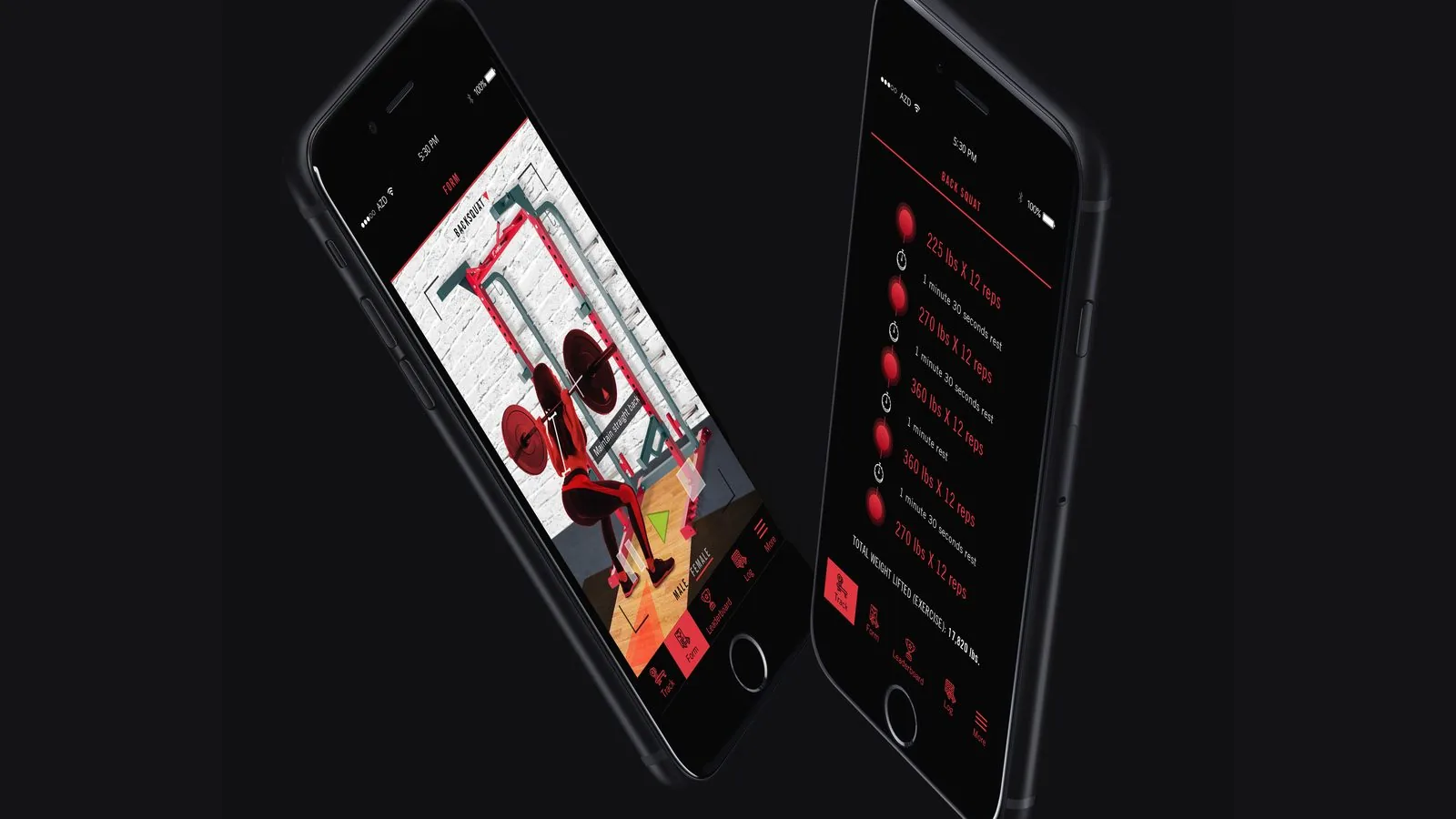
AR and tracking mockups: a back squat form demo beside a logged back squat set list.
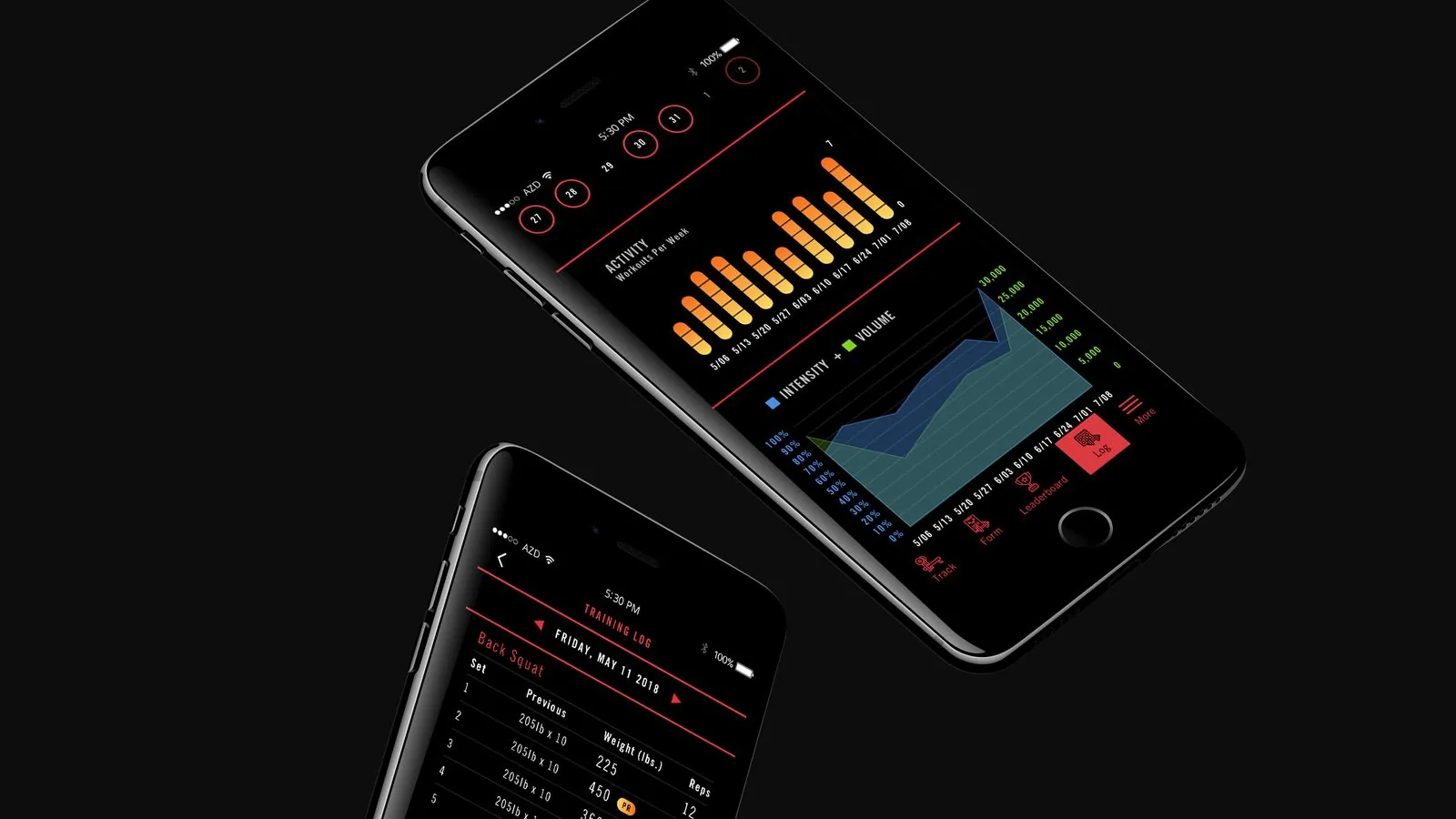
Log mockups: weekly activity bars, an intensity and volume chart, and a dated training log.
Repeated user testing revealed many findings including the importance of incorporating a clear onboarding of the concept into the product design. The sign in frame also features a number of UX best practices including allowing users to see their password, recover their password, or sign up. Users would also be able to use Touch ID to log in.
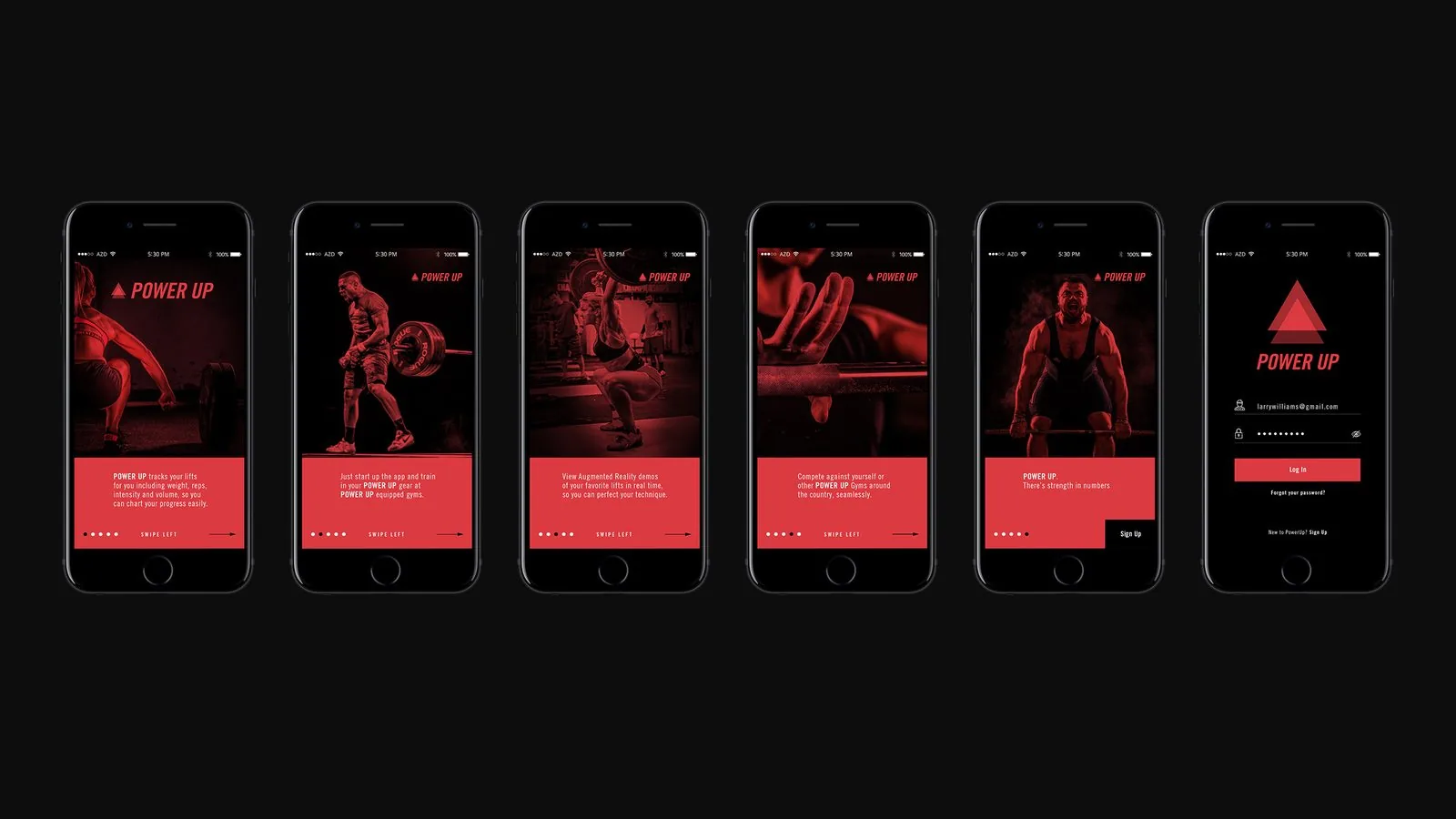
Onboarding flow: five swipe-through concept frames and a log-in screen with show-password and sign-up options.
Gymgoers can walk into the fitness stations or weight machines of choice, and with one click, record their weights, reps, rest times, sets and entire workouts without a pen or pad. This helps athletes track their progress and make gains without the hassle, which keeps workout motivation high. POWER UP captures workout details by equipping the weight plates, workout stations, and the weightlifter's wrists and ankles with small sensors which provide all of the necessary data to determine which exercises are being executed, rest times, and total weight lifted. When users surpass previously-held personal records, they are rewarded with positive encouragement and can amplify their success via social sharing, which research has shown to hold athletes accountable and keep them motivated. Users can also see the total weight lifted per exercise or for the entire workout.
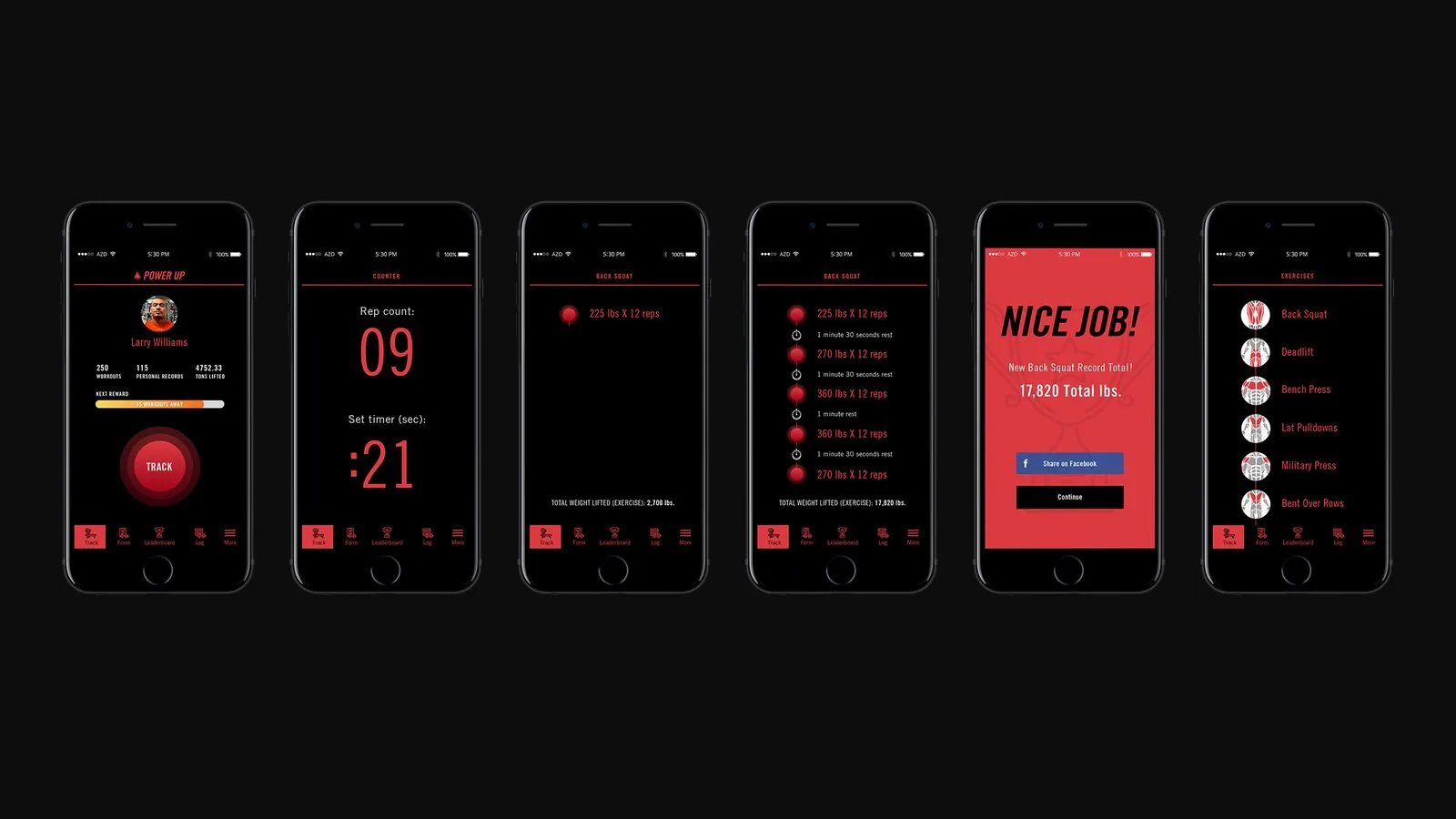
Tracking flow: rep counter, set timer, logged back squat sets, a “Nice Job!” record alert and exercise list.
Research has proven that many people don't use certain weight machines, attempt certain exercises, or get injured while lifting weights because they are unaware of how to execute with correct form. Many users also report success using personal trainers to help them exercise correctly, including guiding their pace. Using augmented reality, gymgoers can hold their mobile phone up to their fitness station of choice, and watch 360° demonstrations of various exercises within POWER UP gyms. Outside of POWER UP gyms, users can select their exercise and still see the AR demo.
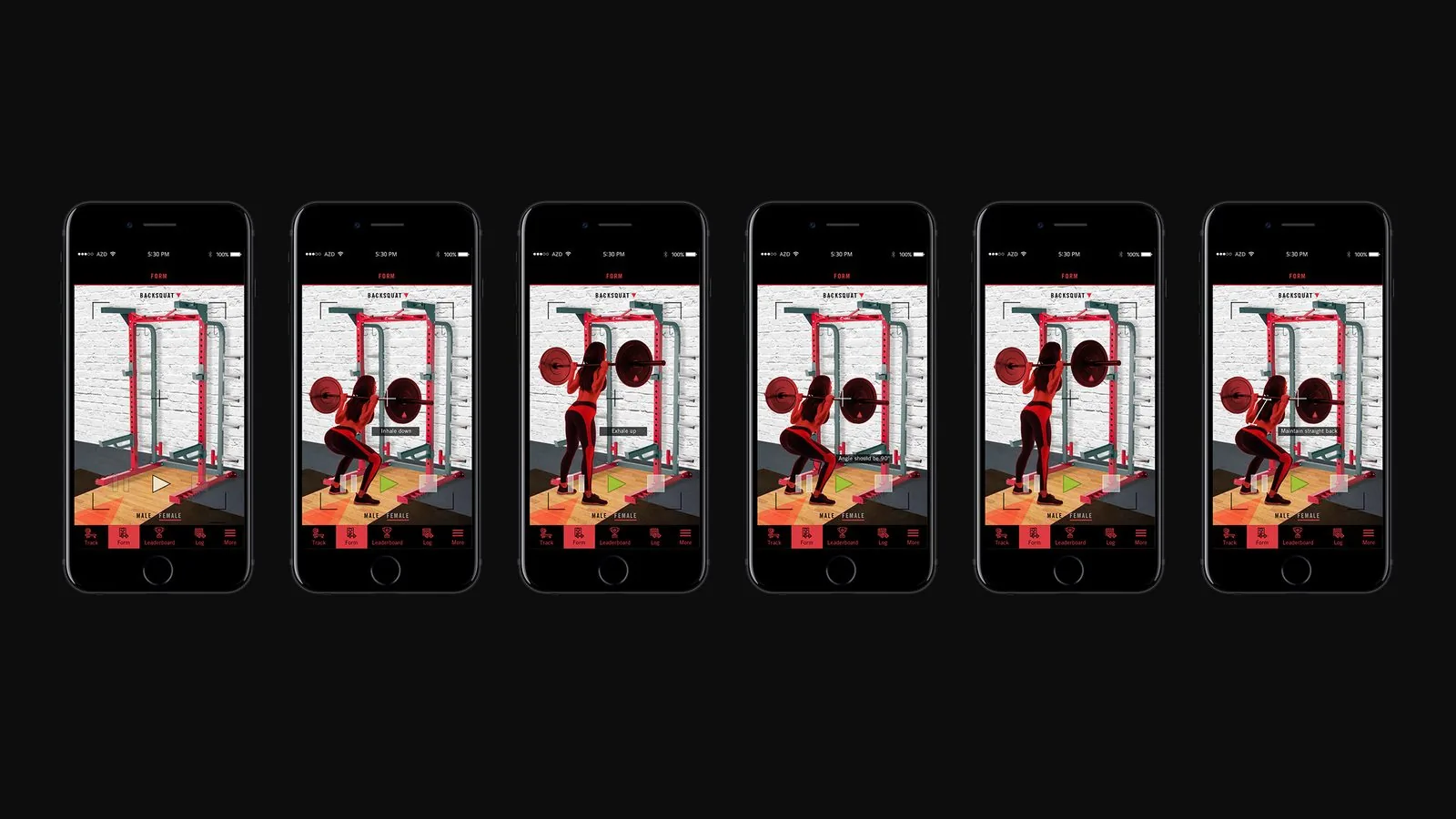
Augmented Reality Form Demo flow: a back squat demonstration with cues like “Maintain straight back.”
Gymgoers get a detailed view of their workout data including which days of the month they've worked out, the number of workouts completed per week, intensity and volume, and 1 Rep Maxes (1RMs) for the StrongLifts over the month. Users can also chart their progress by seeing their previous workout performances of completed exercises, as well as prior personal records (PRs) set.
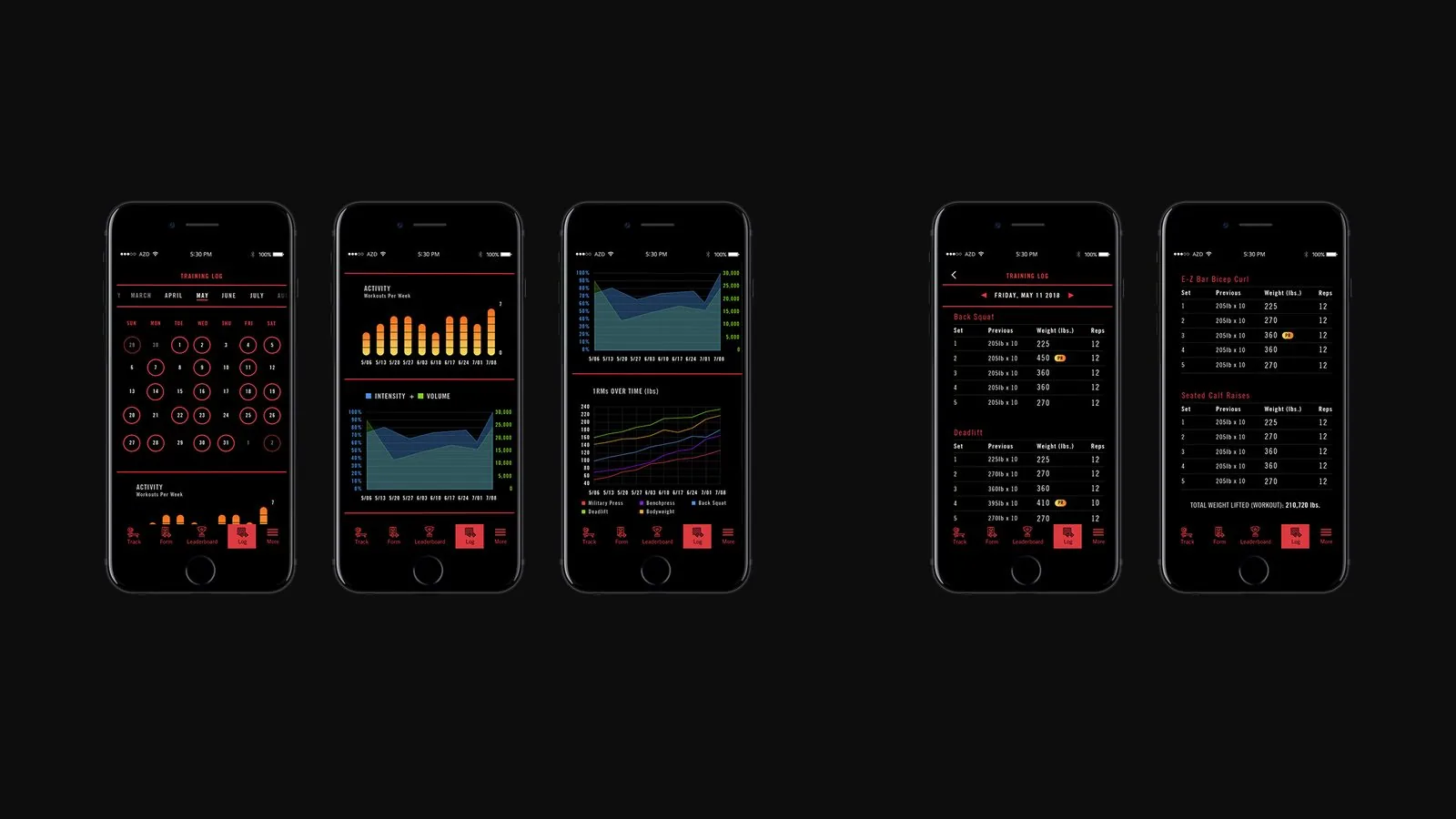
Training & Data Log flow: workout calendar, activity and intensity charts, 1RM trends and set-by-set logs.
To inspire competitive spirit, the individual and gym leaderboards provide the total weight lifted due to the data garnered from the sensor-equipped weights and gymgoers within each location. This enables individuals to challenge themselves against other athletes from other POWER UP gyms around the country. But for those more motivated by teamwork, the leaderboard also provides gym vs. gym weight totals. This tech allows for WODs (Workouts Of the Day) as well as other types of competitions and promotional events for Crossfitters and Powerlifters alike. Users can view performances from the current day, month or year.
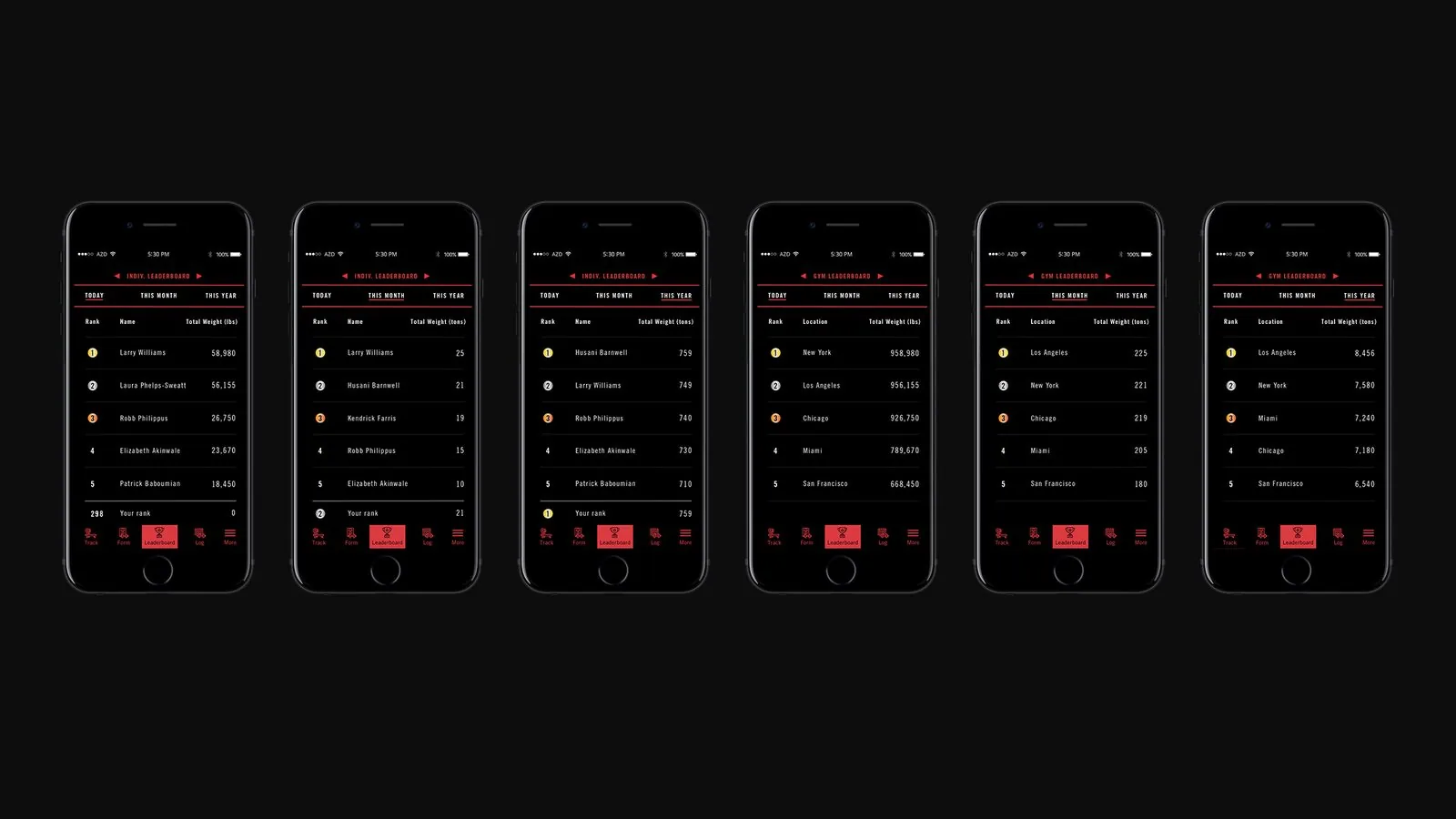
Leaderboard flow: individual and gym rankings by total weight for today, this month and this year.
Take a look at the steps involved in the design process for creating this concept including the creation of a project charter, affinity mapping, desk research, observational research, synthesis, interviews, team sketch sessions, hypothesis creation, polarizing prototypes, additional sketches, low-fidelity, med-fi, and hi-fi prototypes, user testing, branding, and more.
Title slide: “Fitness Upgrade,” opening the POWER UP design process review.
Framing slide: “Gyms need to evolve,” set over a faded training gym.
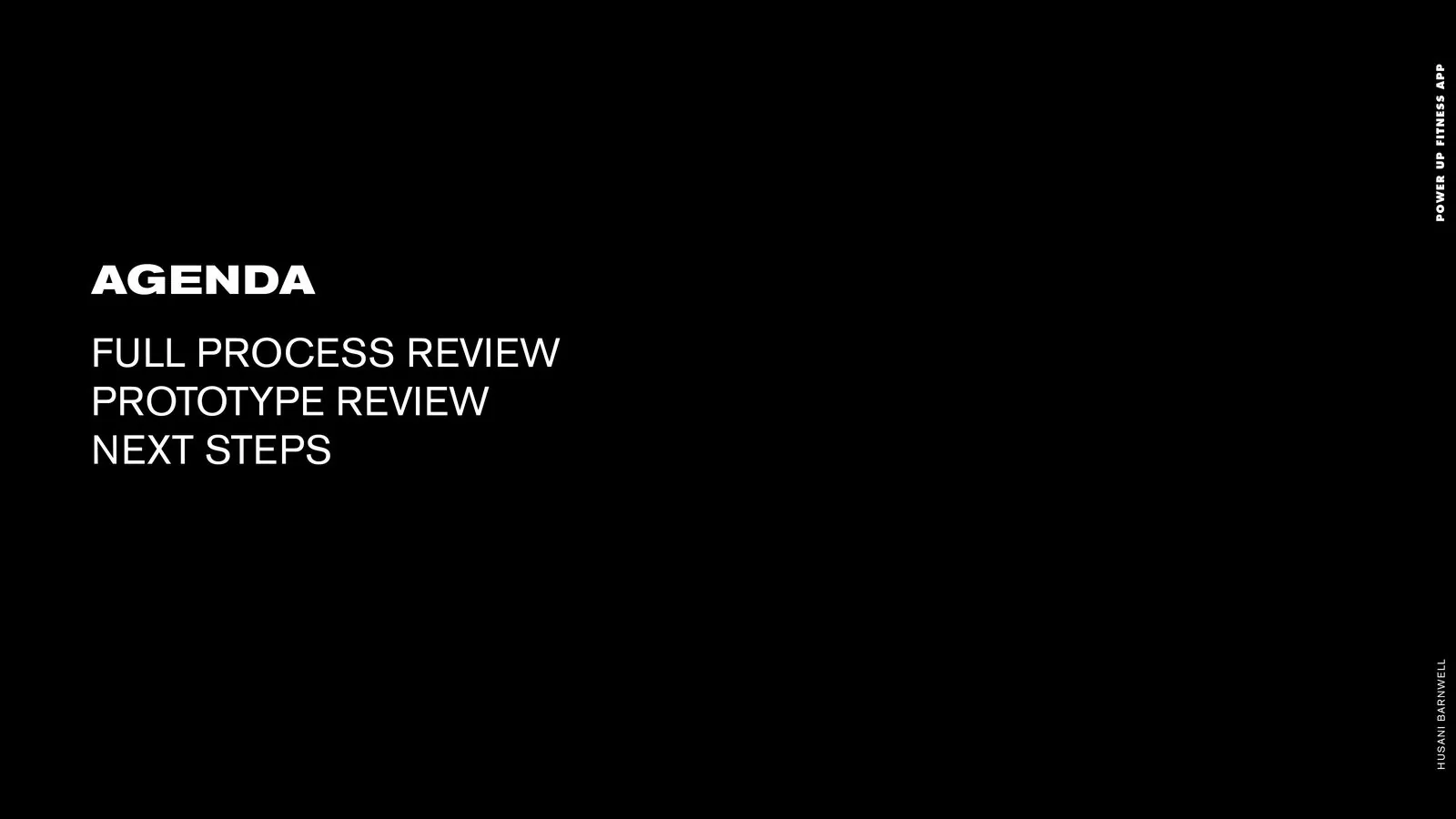
Agenda slide: full process review, prototype review and next steps.
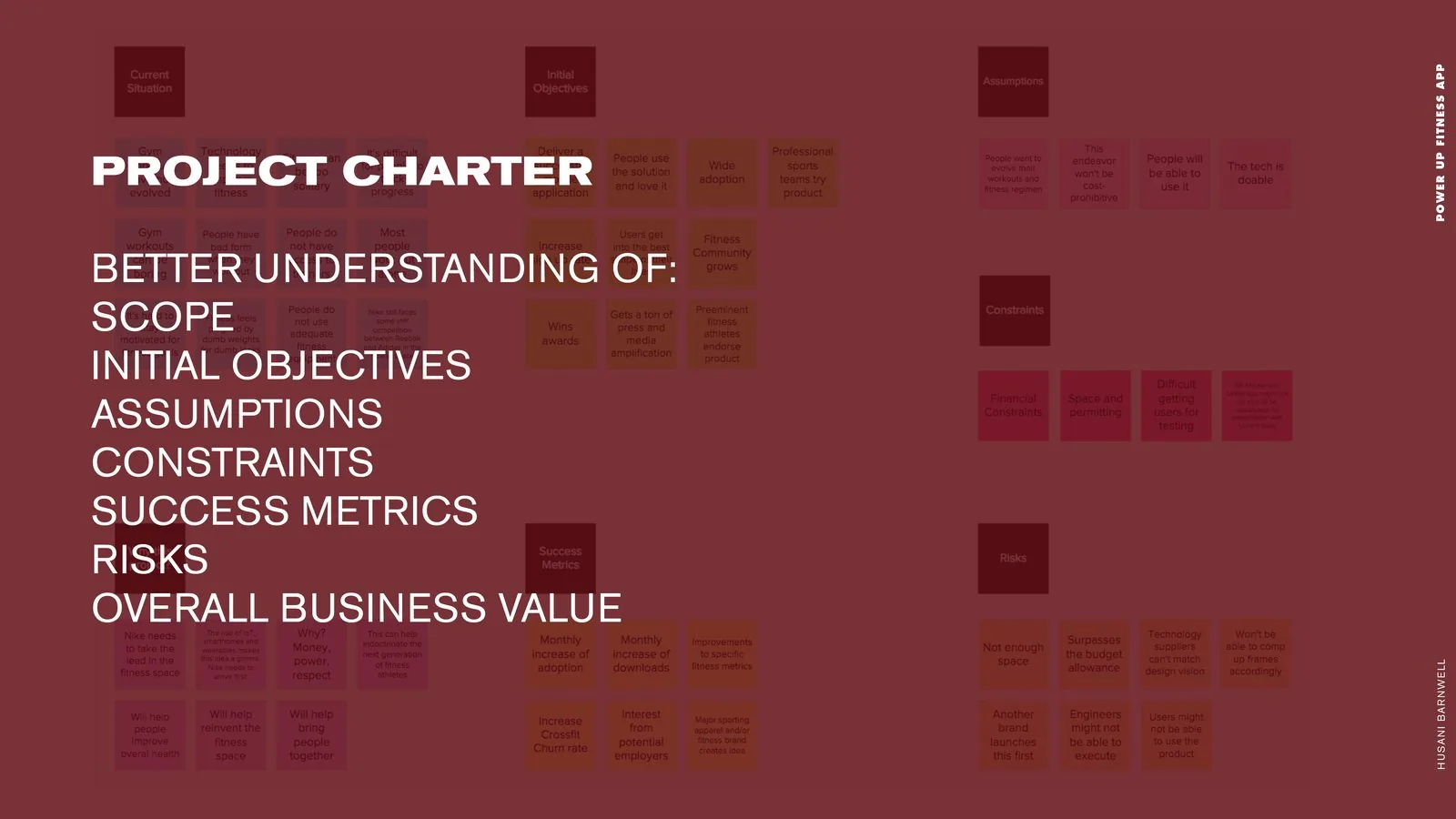
Project charter slide: scope, initial objectives, assumptions, constraints, success metrics, risks and overall business value.
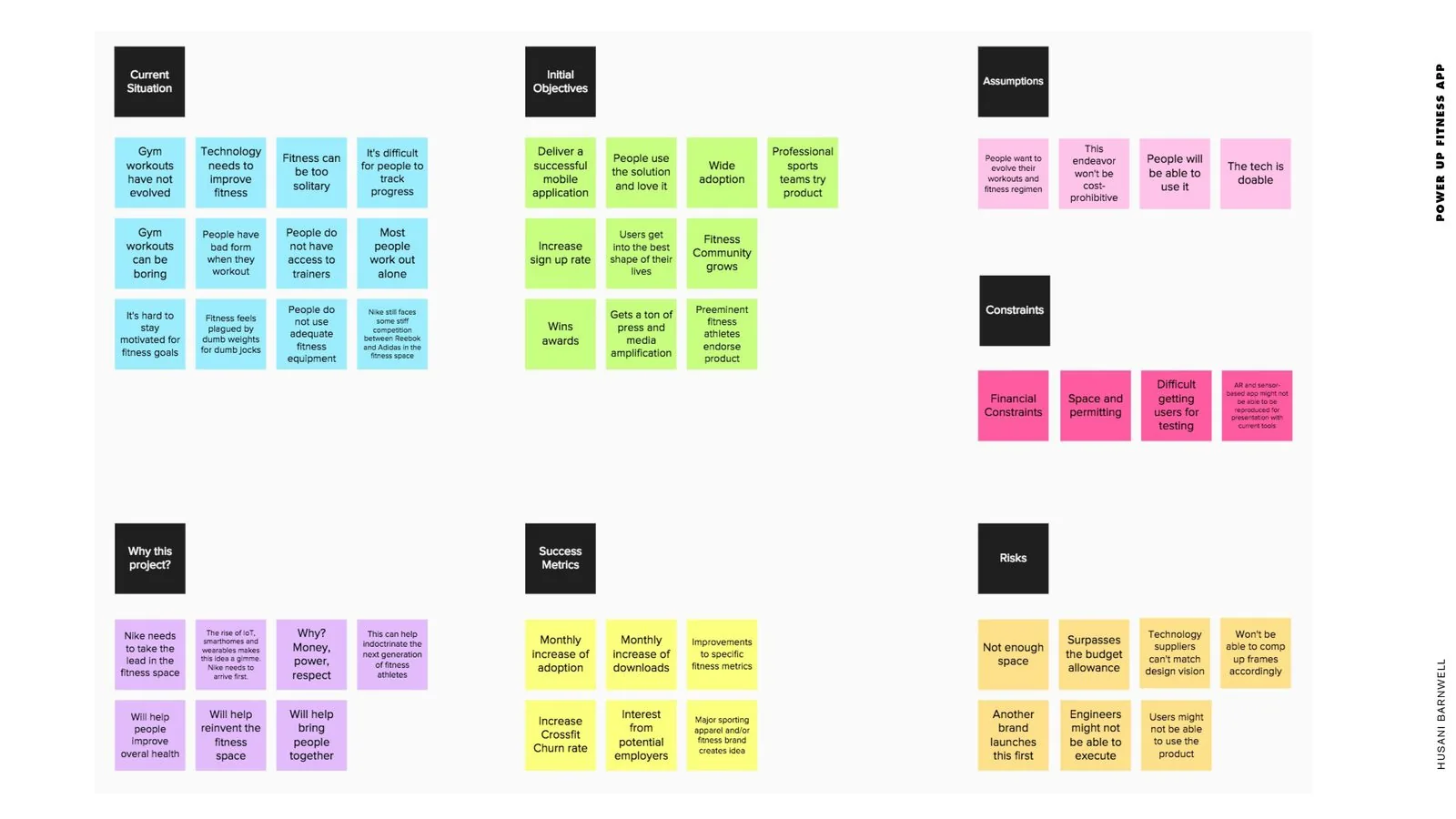
Project charter affinity map: color-coded sticky notes from current situation through success metrics and risks.

Research slide: desk research, observational research and interviews.
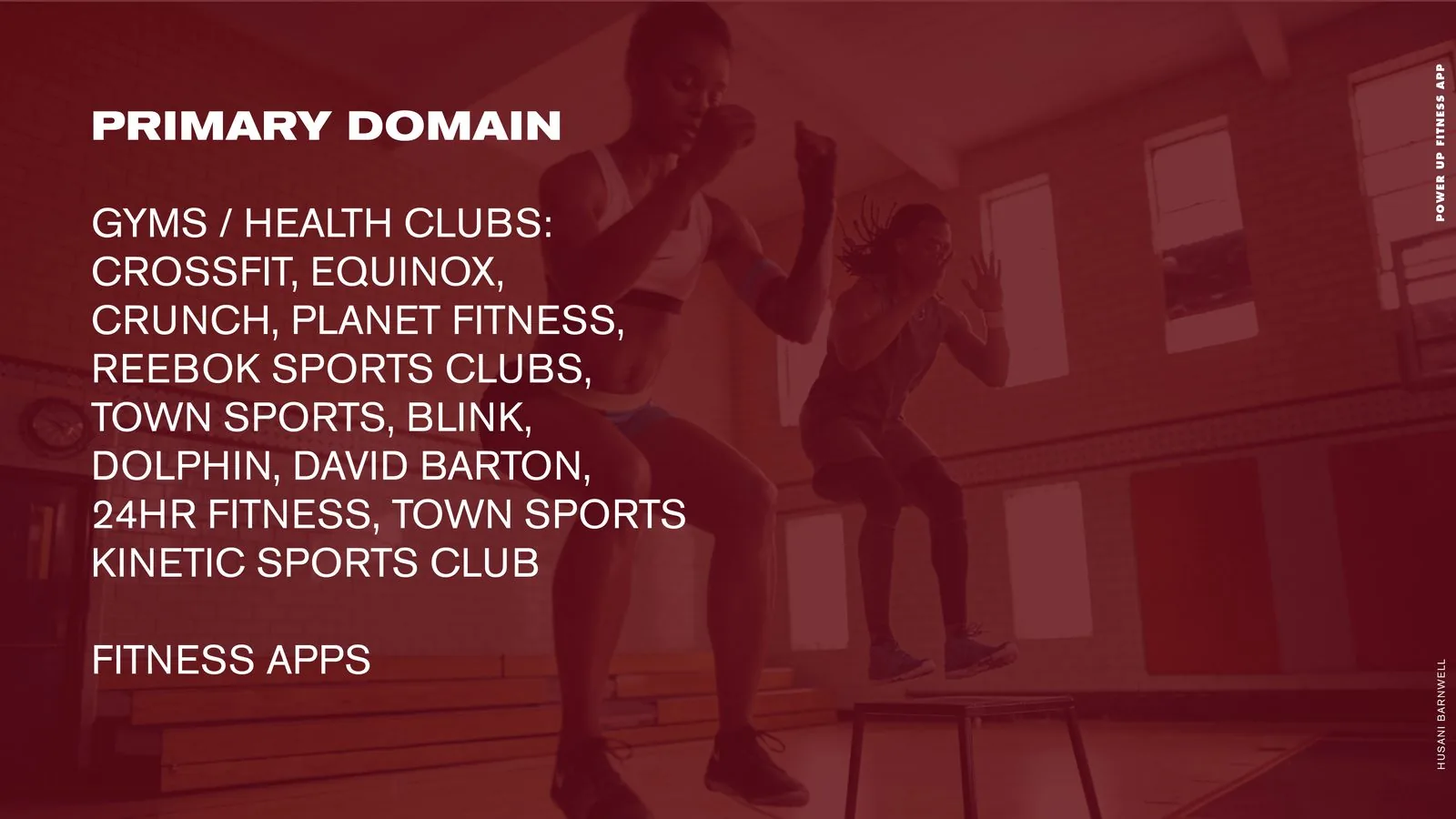
Primary domain slide: gyms and health clubs from CrossFit to Equinox, plus fitness apps.
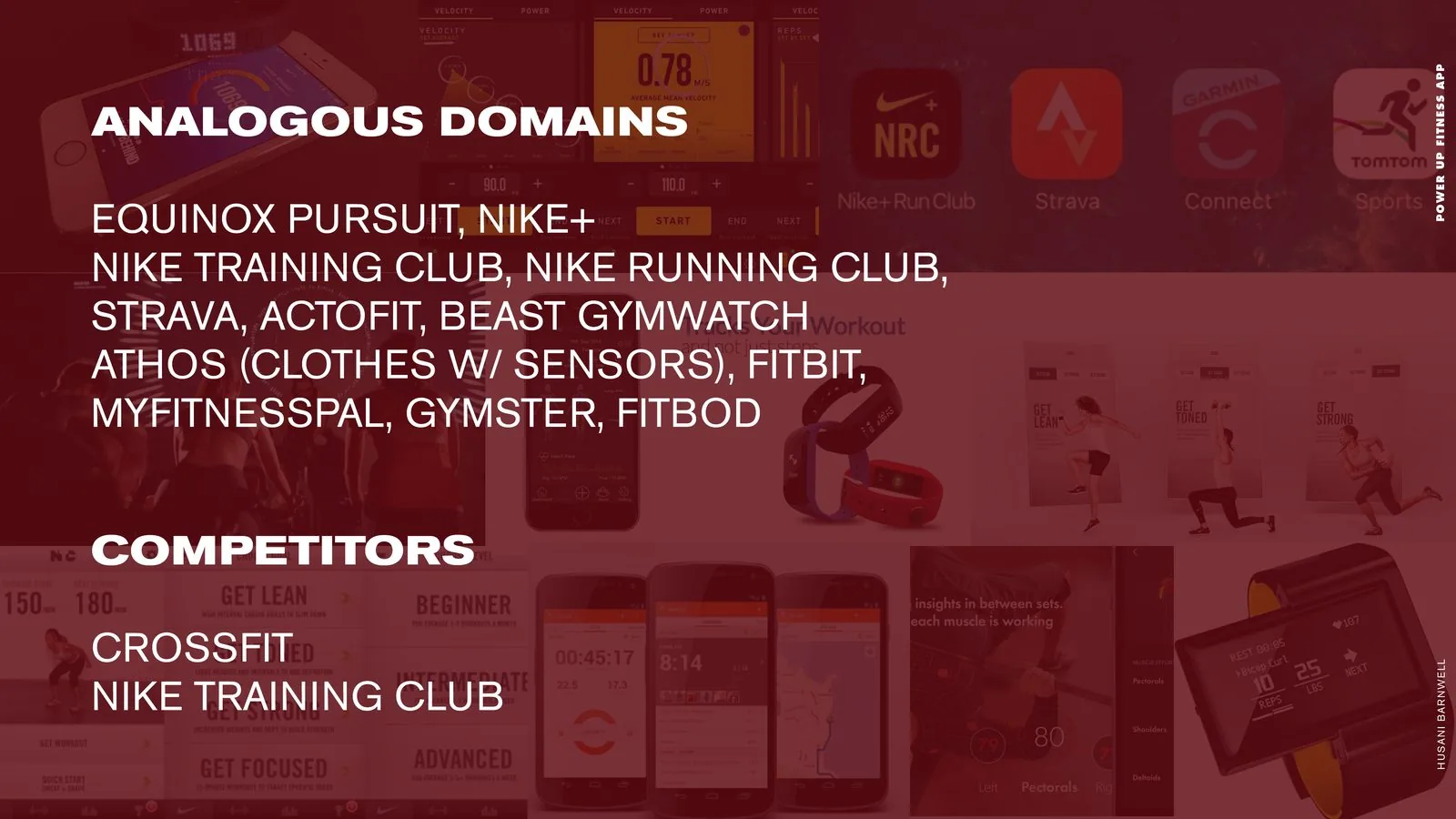
Analogous domains and competitors: Nike training apps, Strava, Fitbit and other tracking tools.
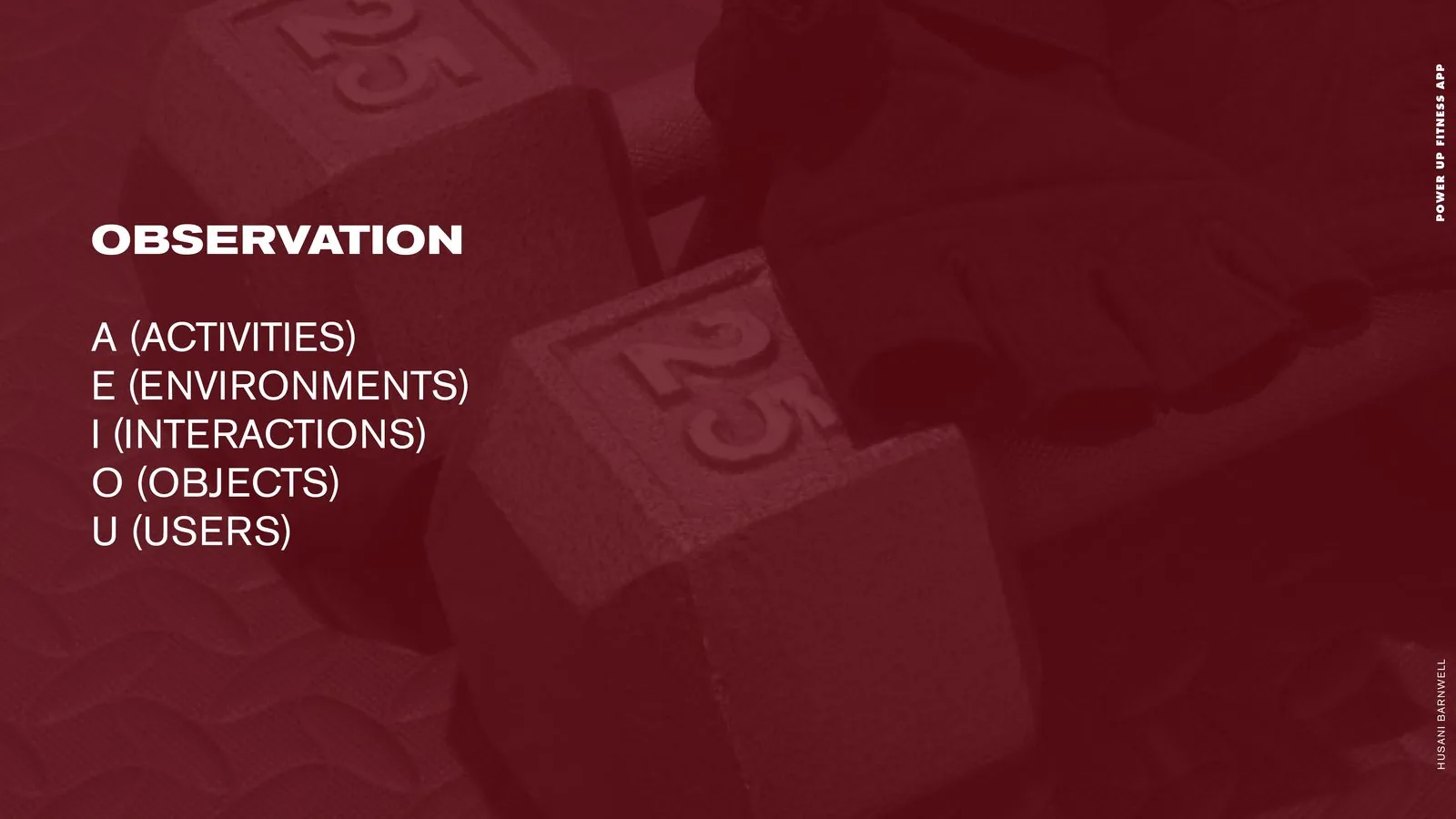
Observation slide: the AEIOU framework; activities, environments, interactions, objects and users.
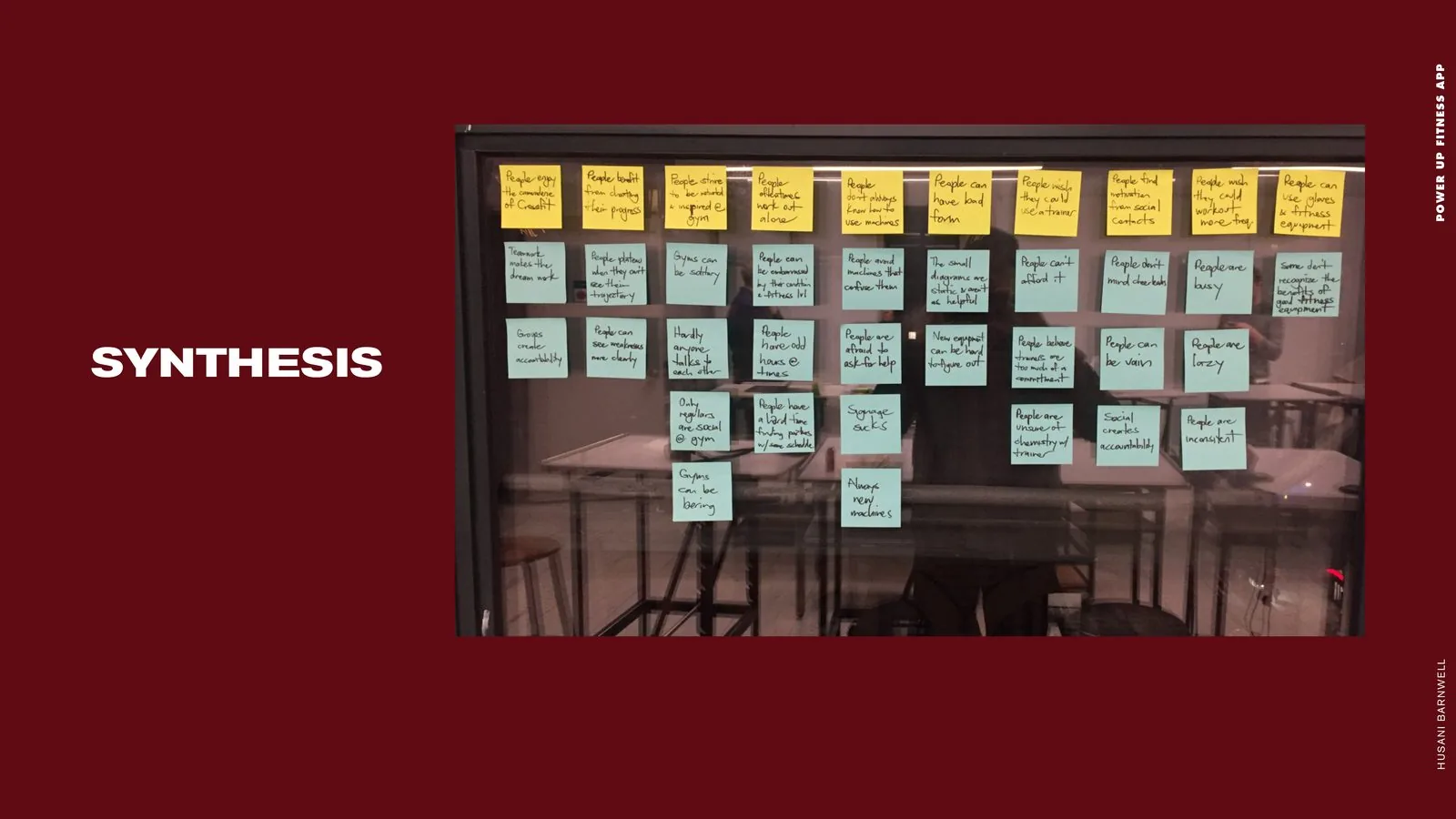
Synthesis wall: interview insights clustered under yellow theme headers on a glass partition.
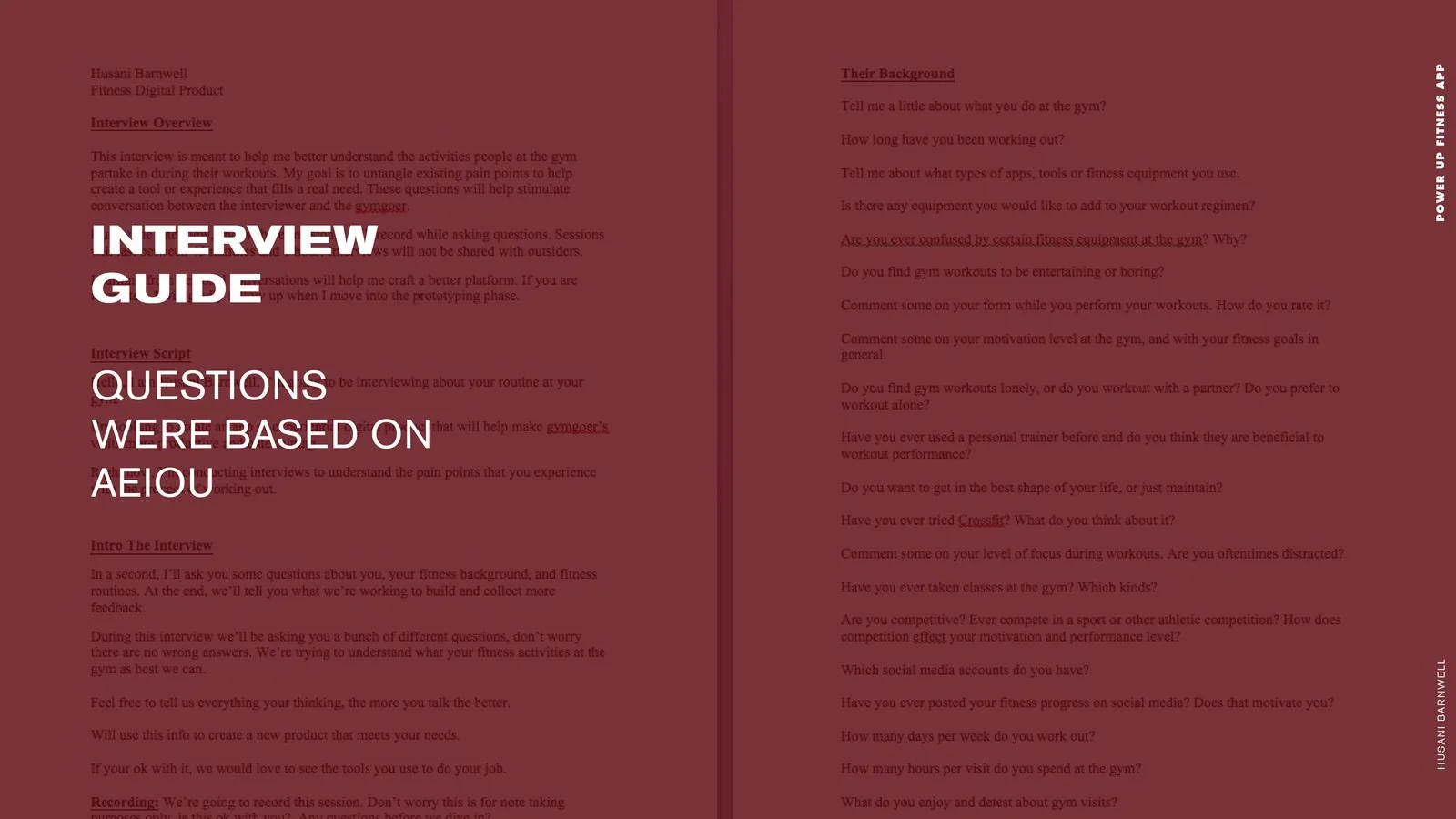
Interview guide: the full script and AEIOU-based questions for gymgoer interviews.

Interview subjects: five gymgoers, three men and two women, from certified trainers to casual athletes.
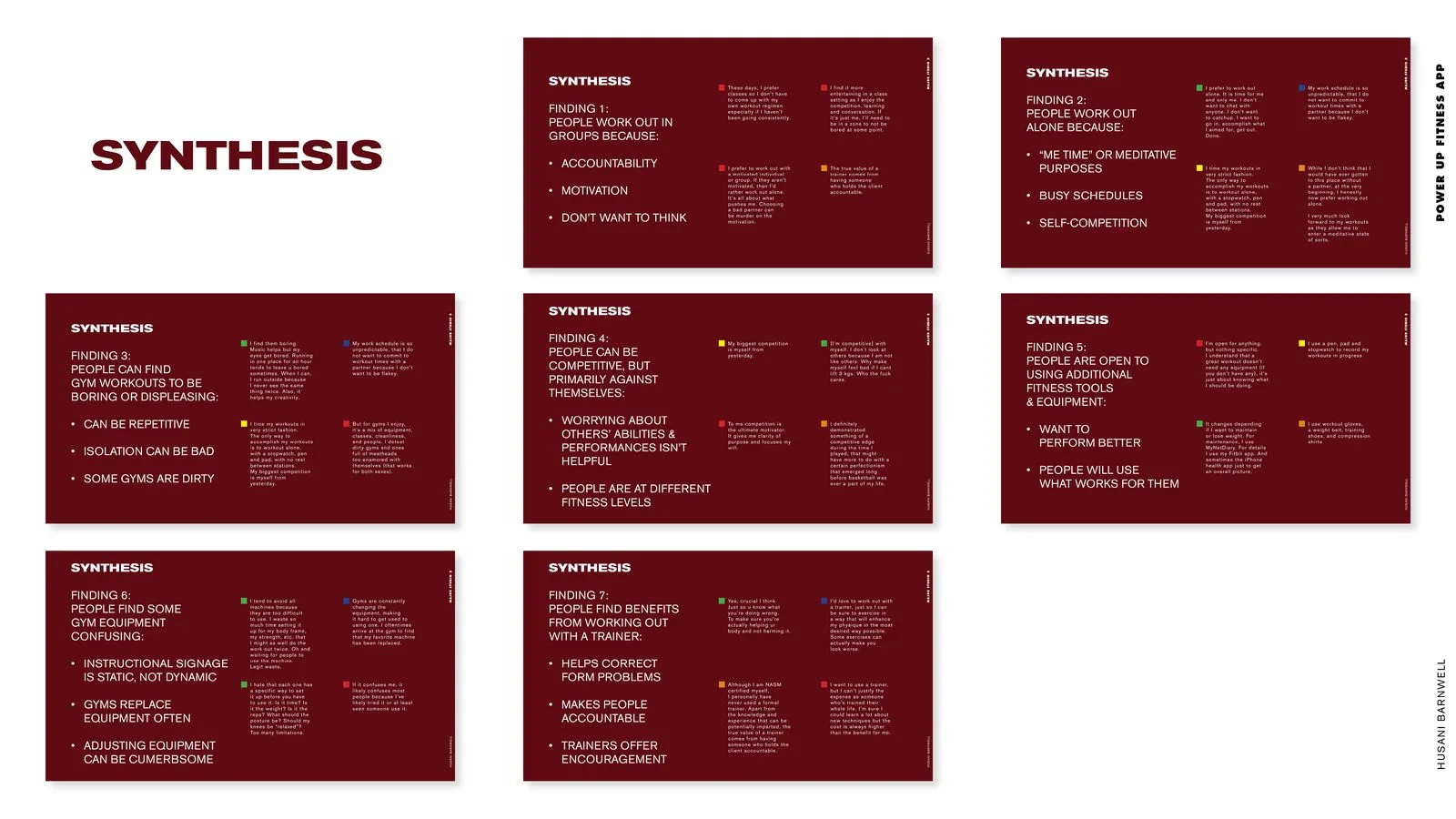
Synthesis findings: seven cards on why people train in groups, alone, competitively or with trainers.
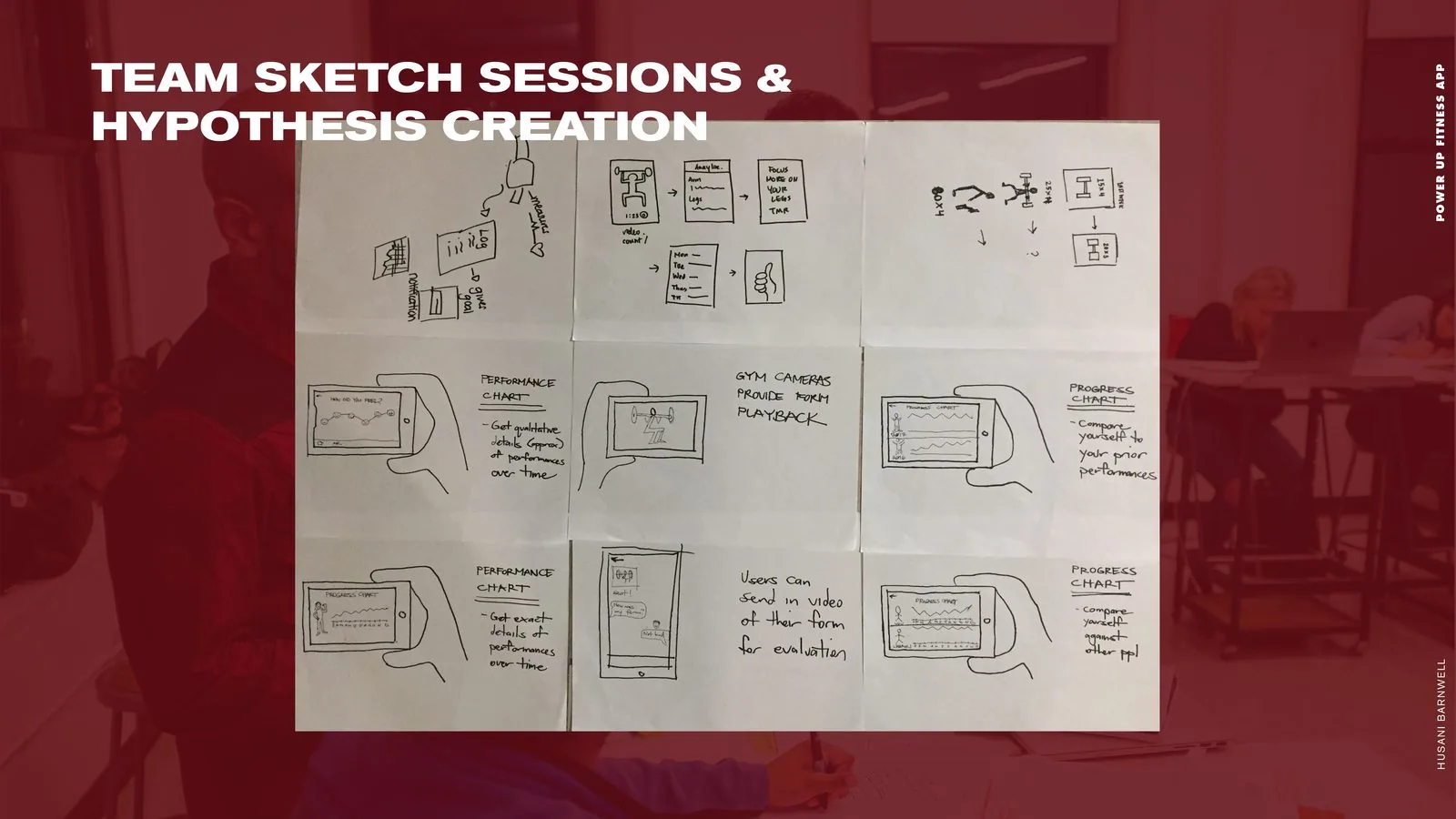
Team sketch sessions: nine concept sketches, from performance charts to gym-camera form playback.
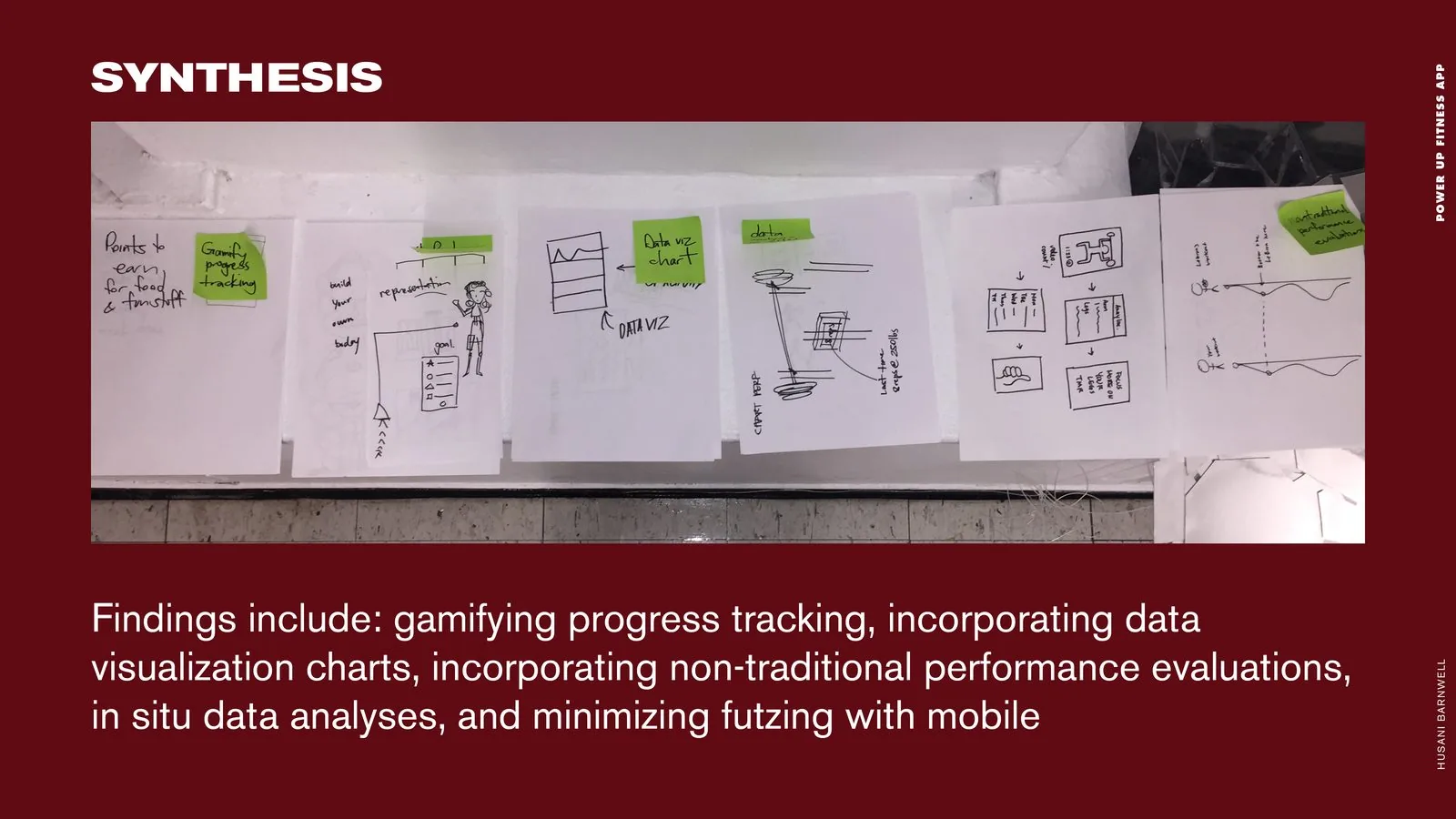
Sketch synthesis: gamified progress tracking, data-visualization charts and non-traditional performance evaluations.
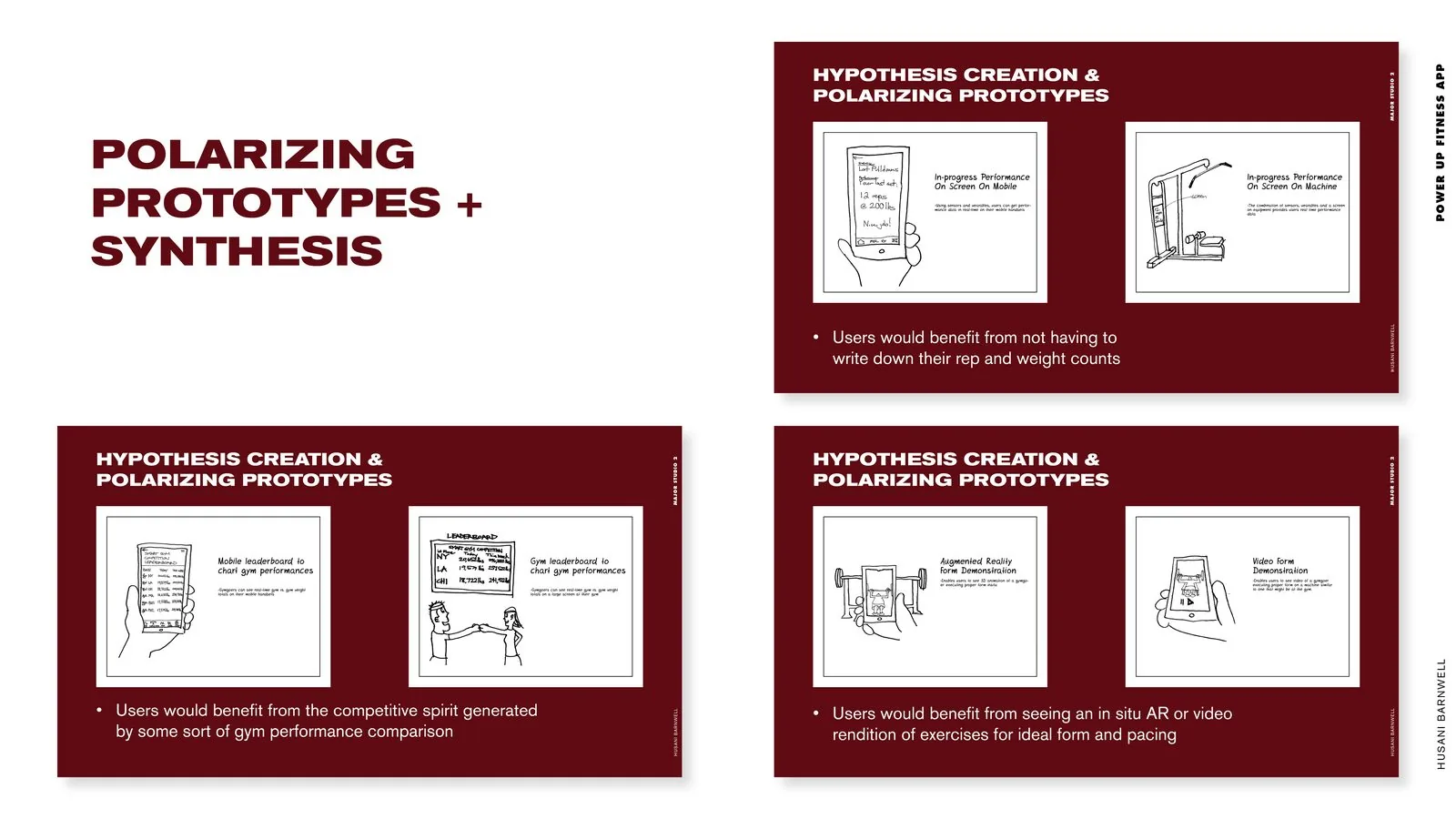
Polarizing prototypes: sketched hypotheses for on-screen tracking, leaderboards and AR or video form demos.
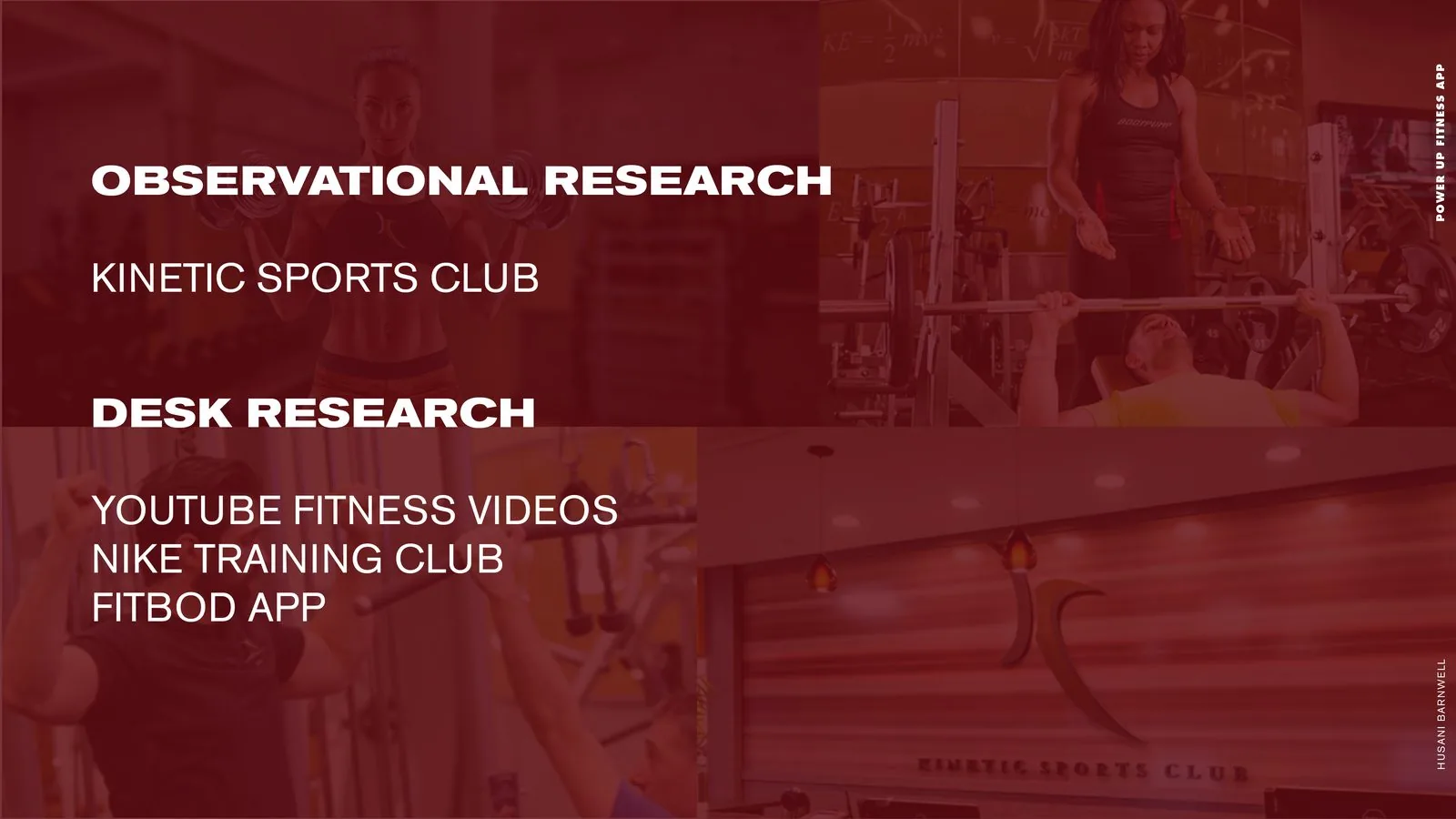
Research sources: observation at Kinetic Sports Club; desk research on YouTube videos, Nike Training Club and Fitbod.
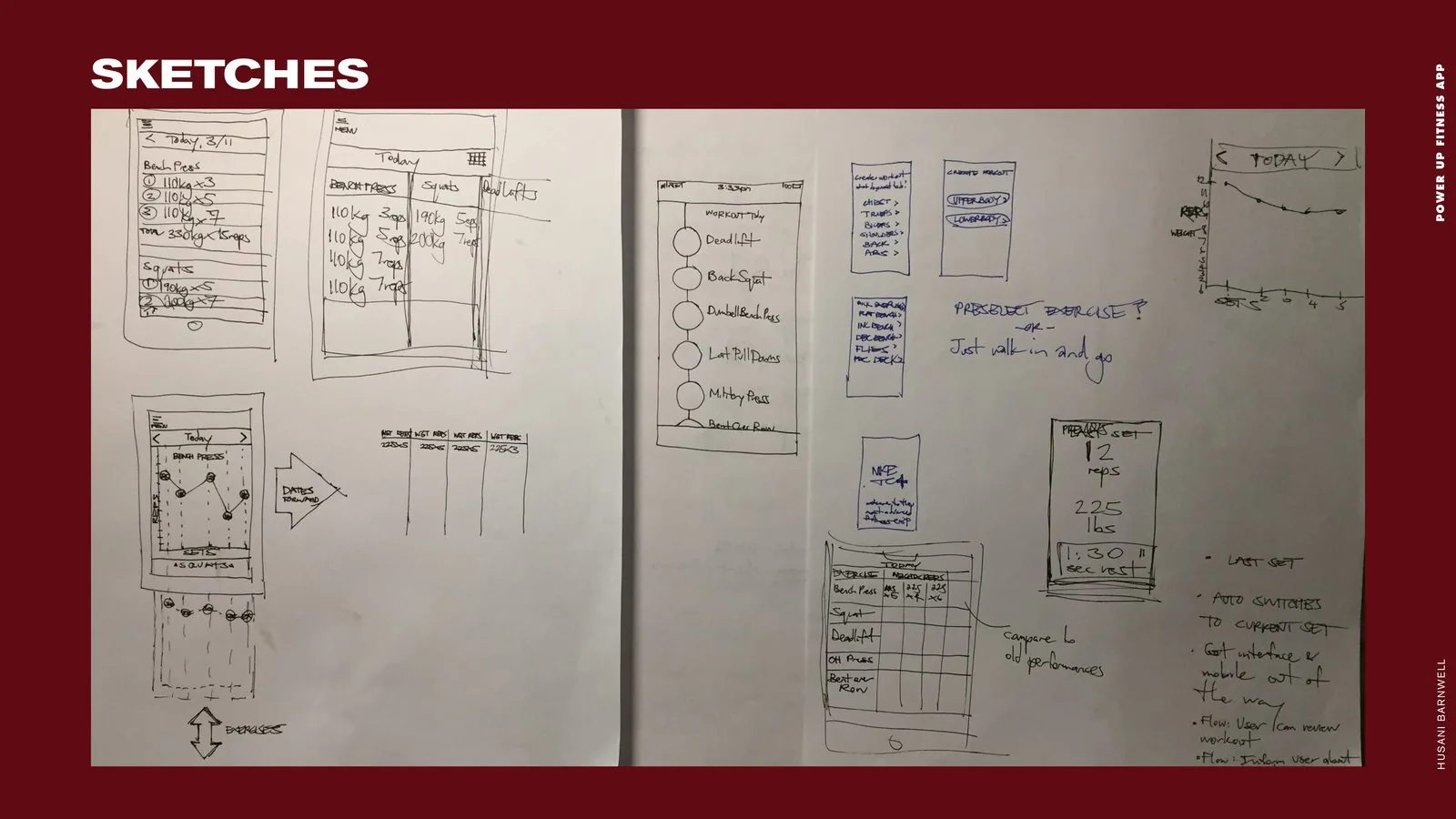
Sketches: pen-and-paper wireframes for logging sets, picking exercises and charting progress.
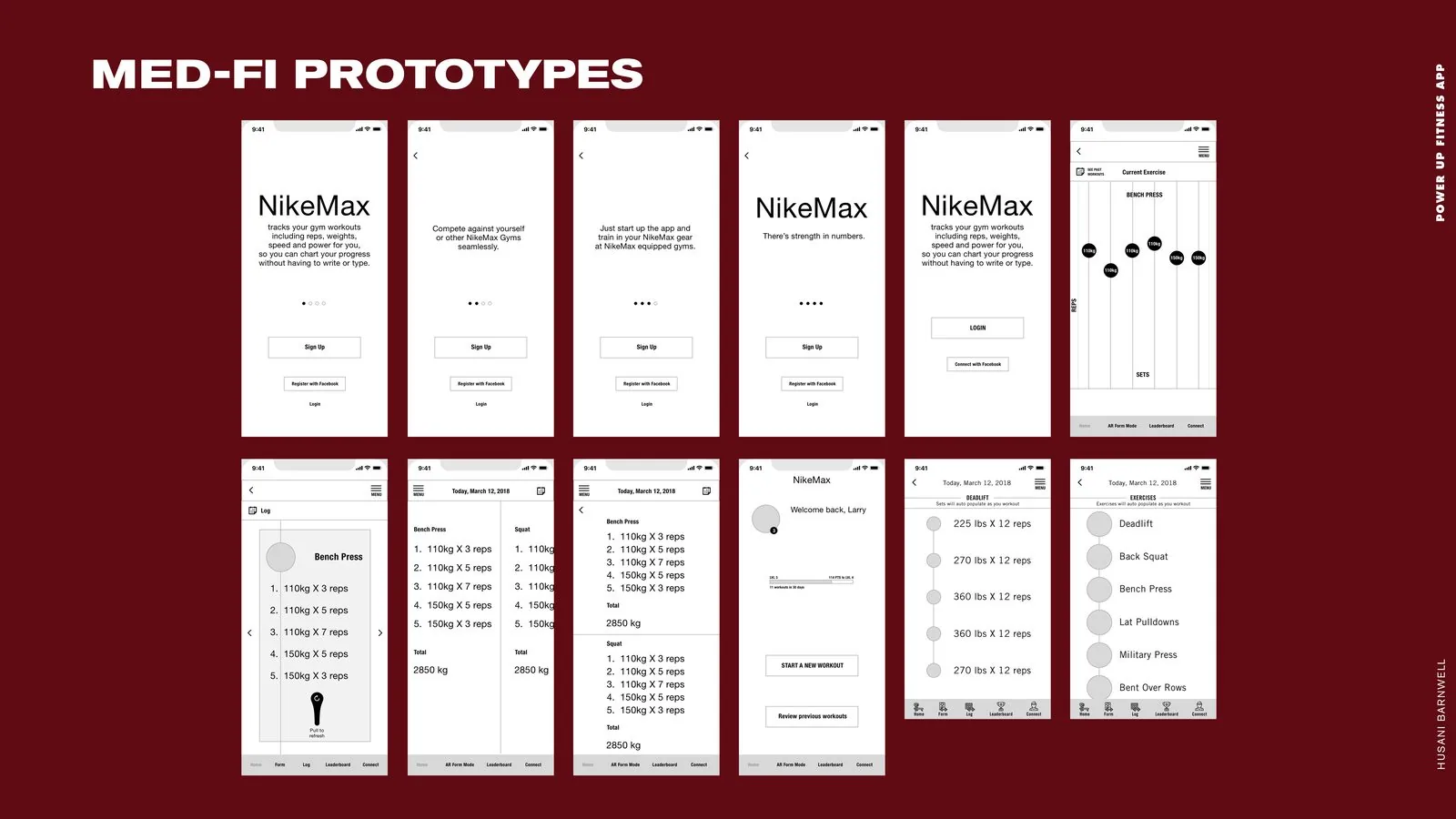
Med-fi prototypes: grayscale onboarding, log and auto-populating workout screens for the early concept.
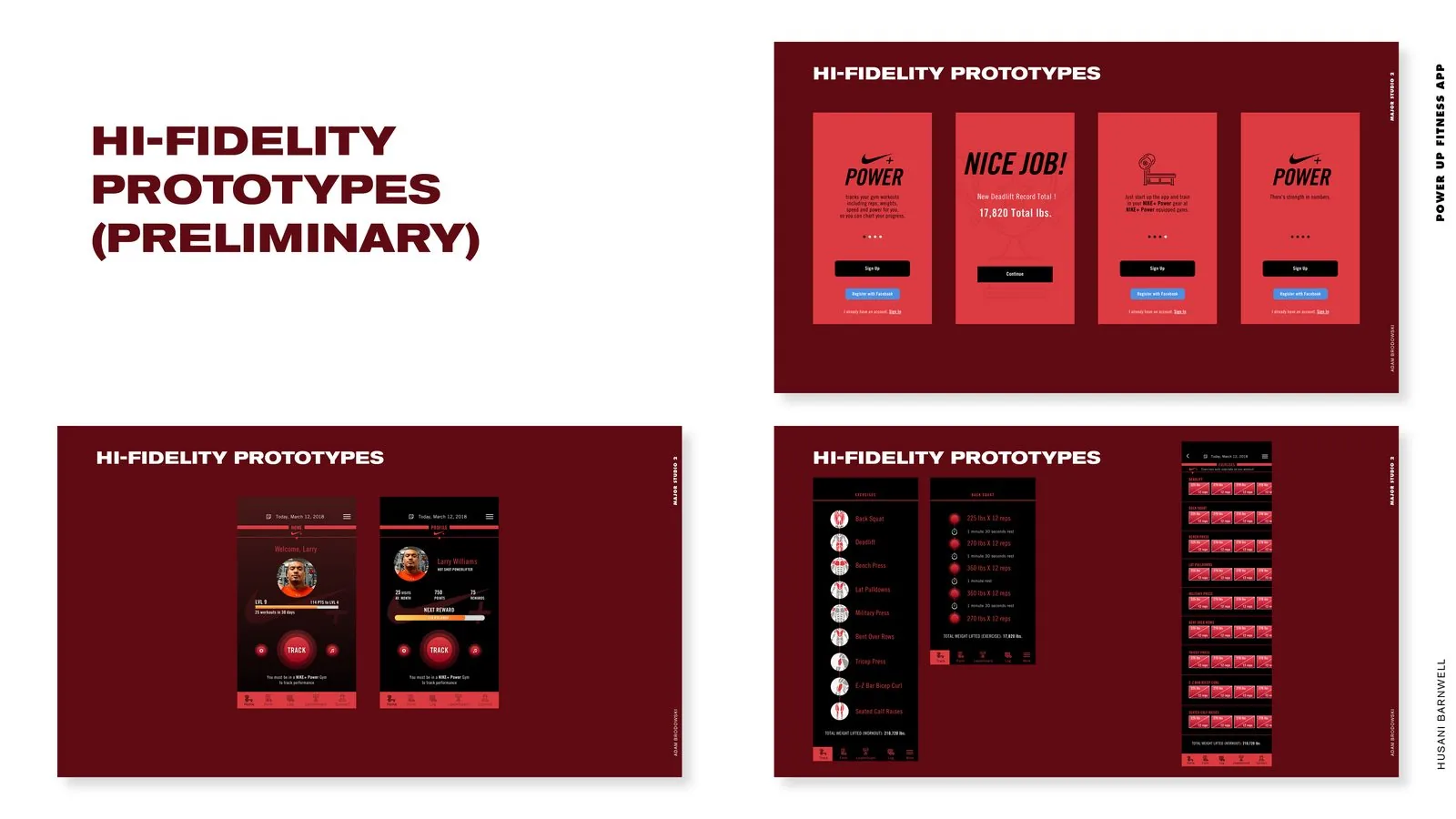
Preliminary hi-fi prototypes: first red-and-black passes at onboarding, record and exercise screens.
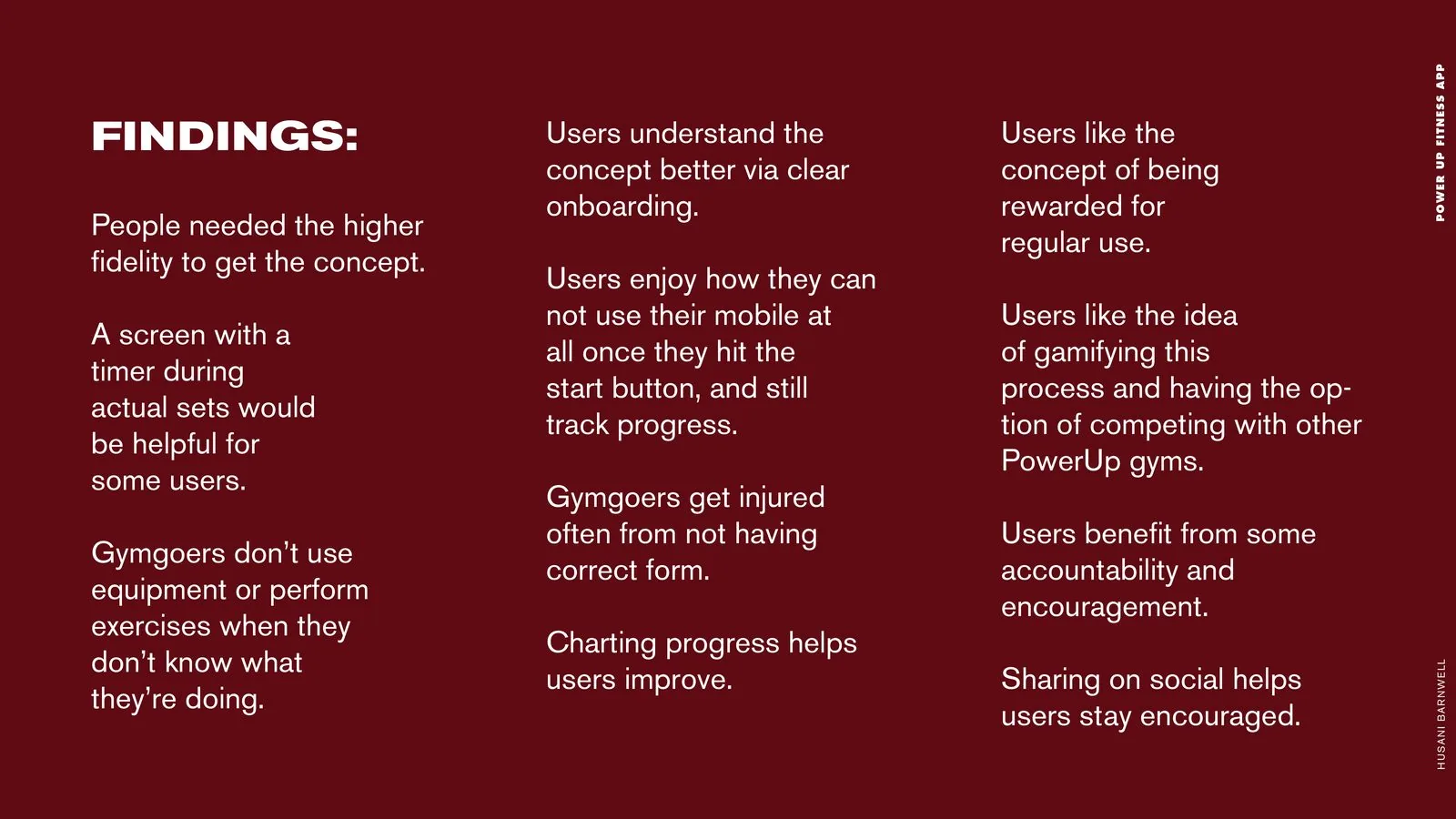
User-testing findings: clear onboarding, in-set timers, form guidance, rewards and social sharing.
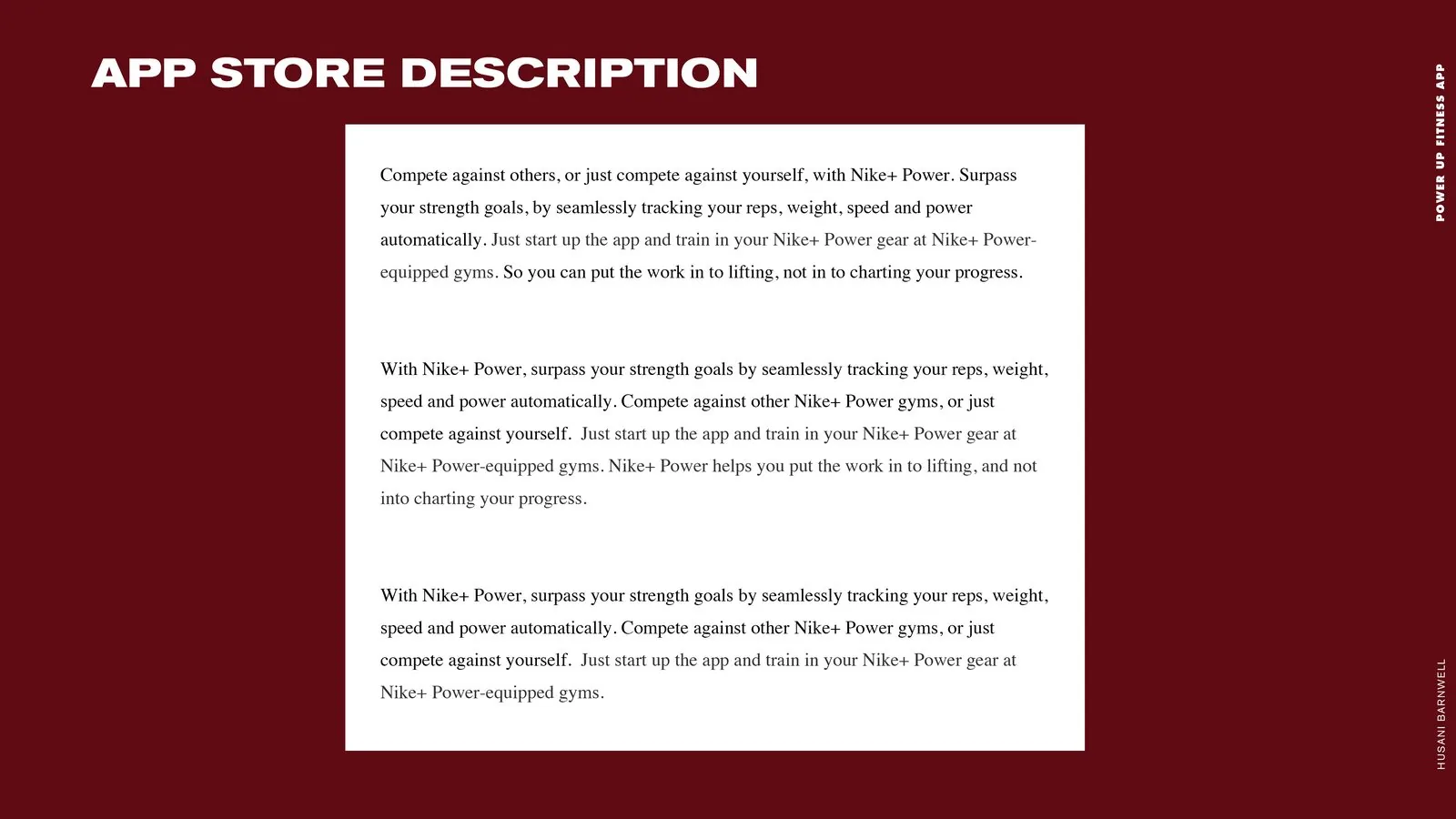
App Store description: three drafts of the tracking-and-competition pitch copy.
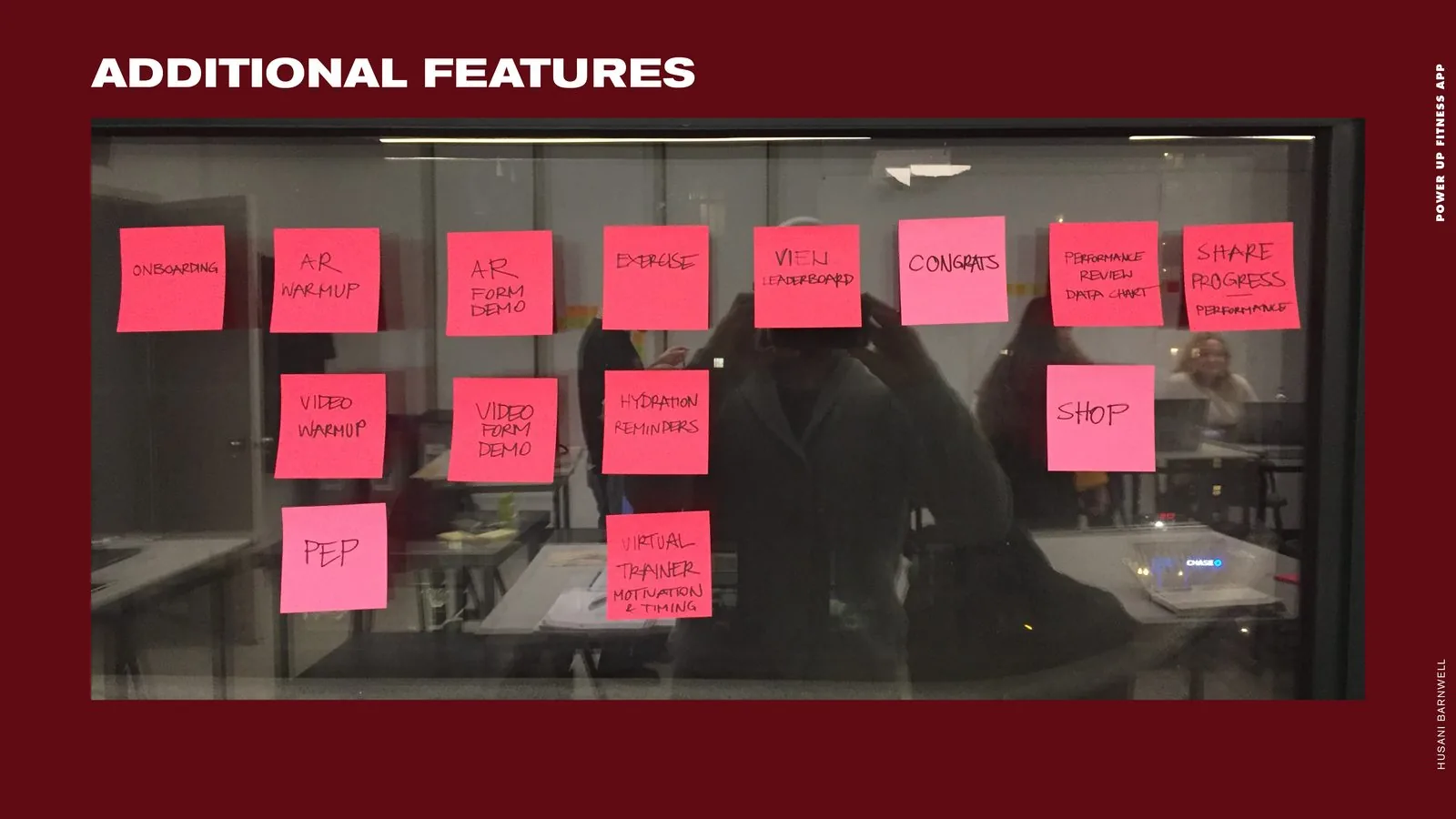
Additional features board: sticky notes for AR warmups, video form demos, hydration reminders and a shop.
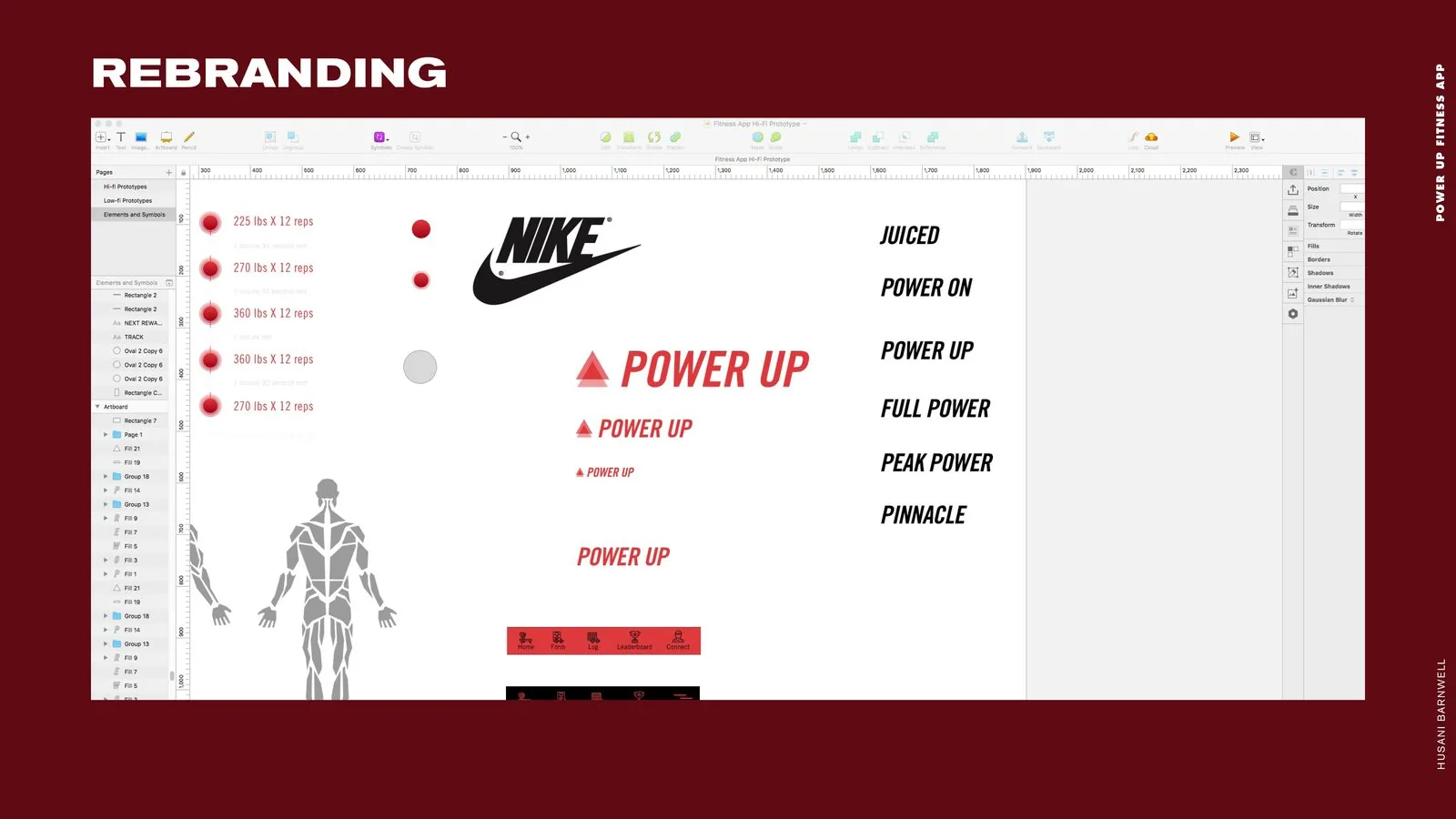
Rebranding artboard: naming candidates from Juiced to Pinnacle, with POWER UP logo lockups.
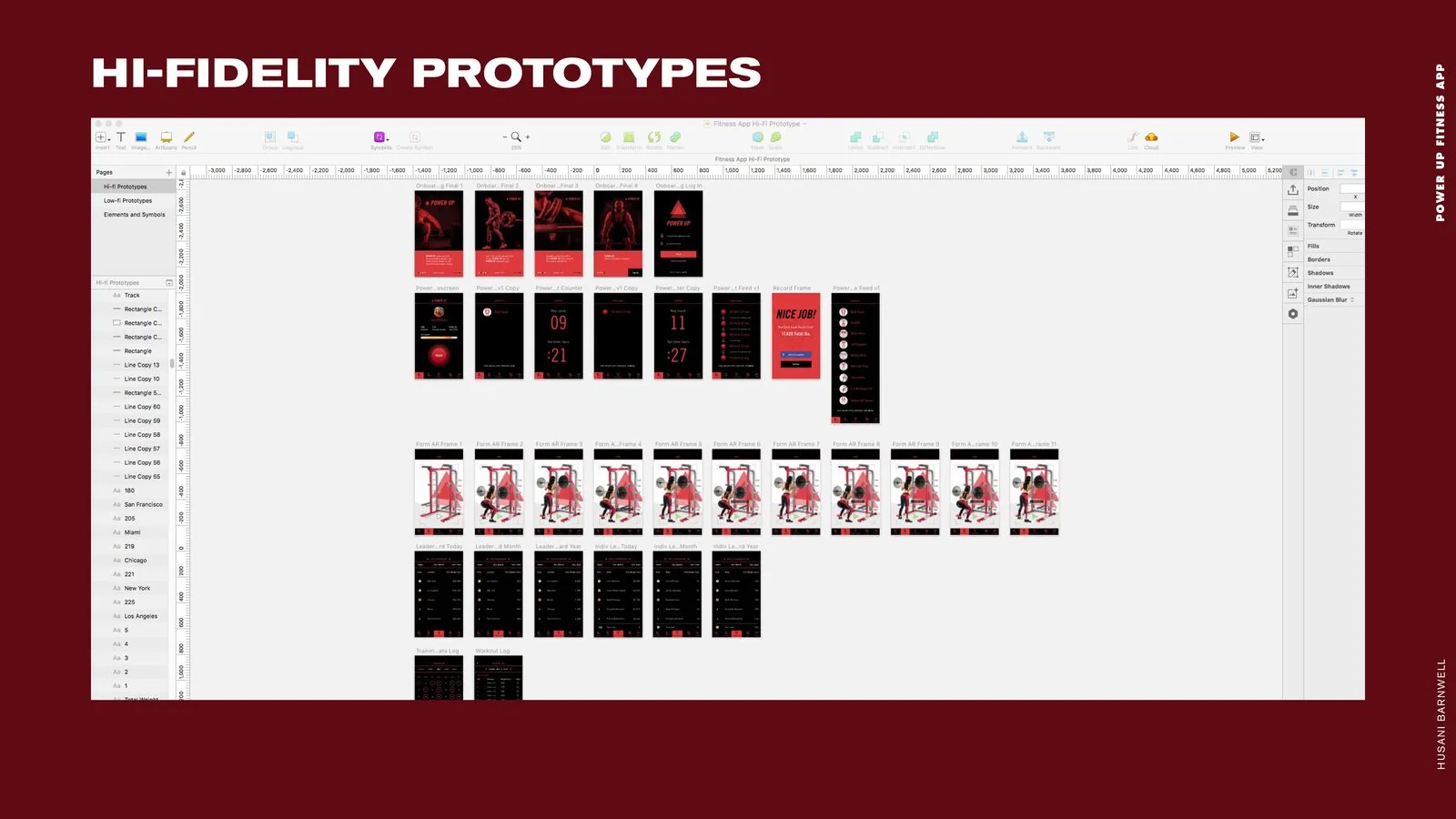
Hi-fi prototype artboard: every onboarding, tracking, AR form, leaderboard and log frame in one view.
“Finished” app slide: the POWER UP triangle icon with a link to the InVision prototype.
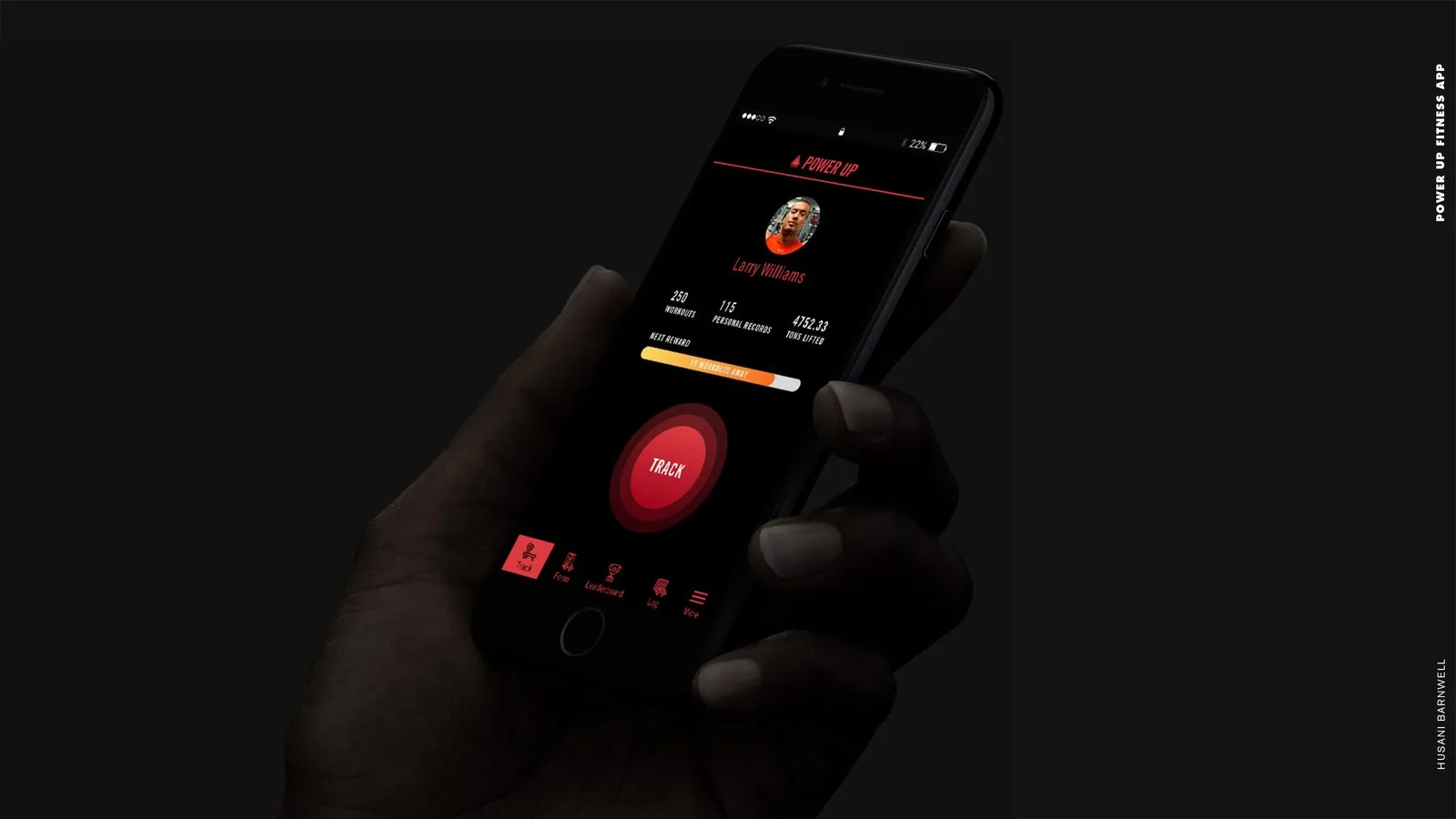
Final home screen: profile stats and the red Track button, shown in hand.
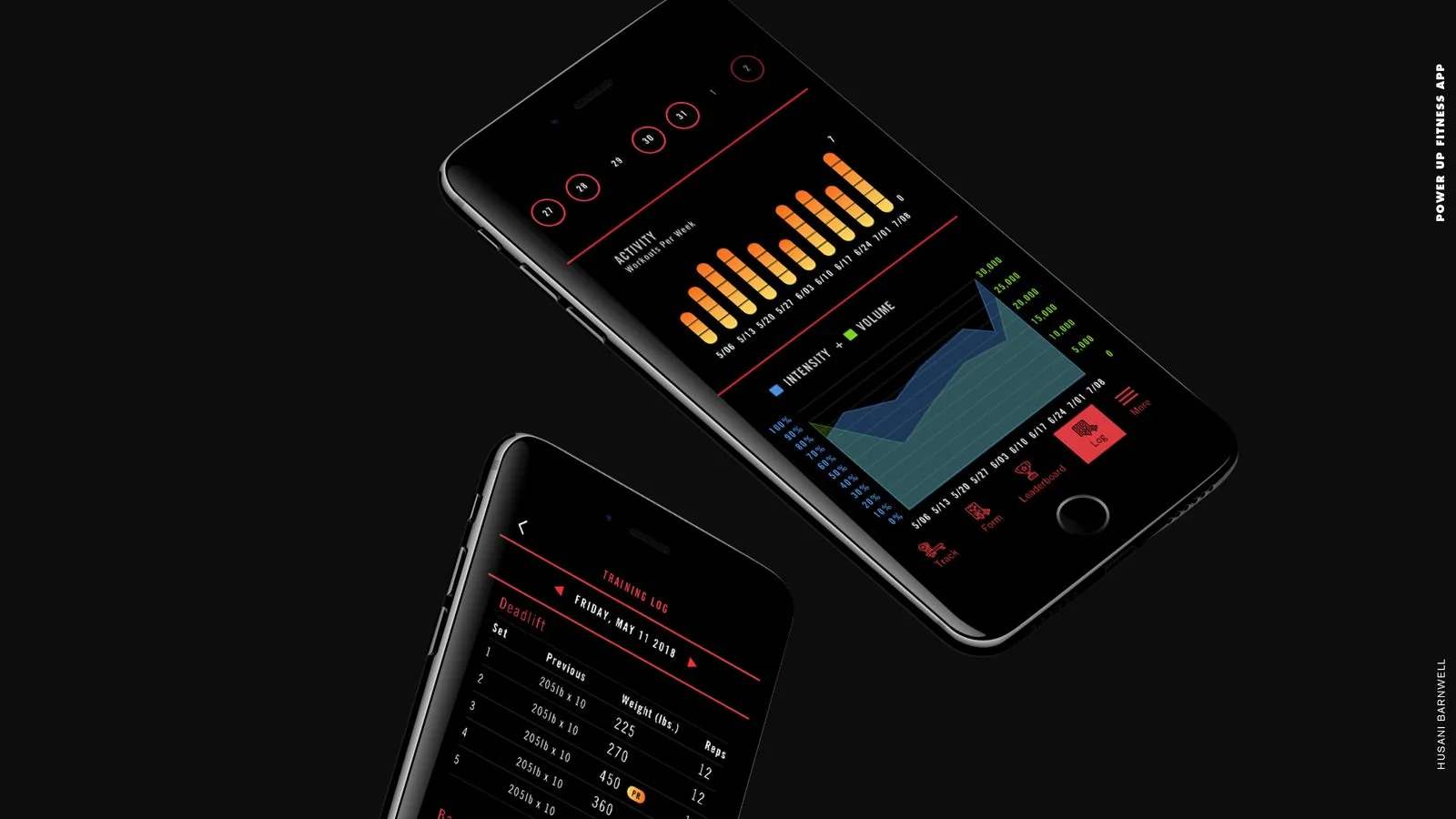
Final data screens: activity and intensity-volume charts beside a deadlift training log.
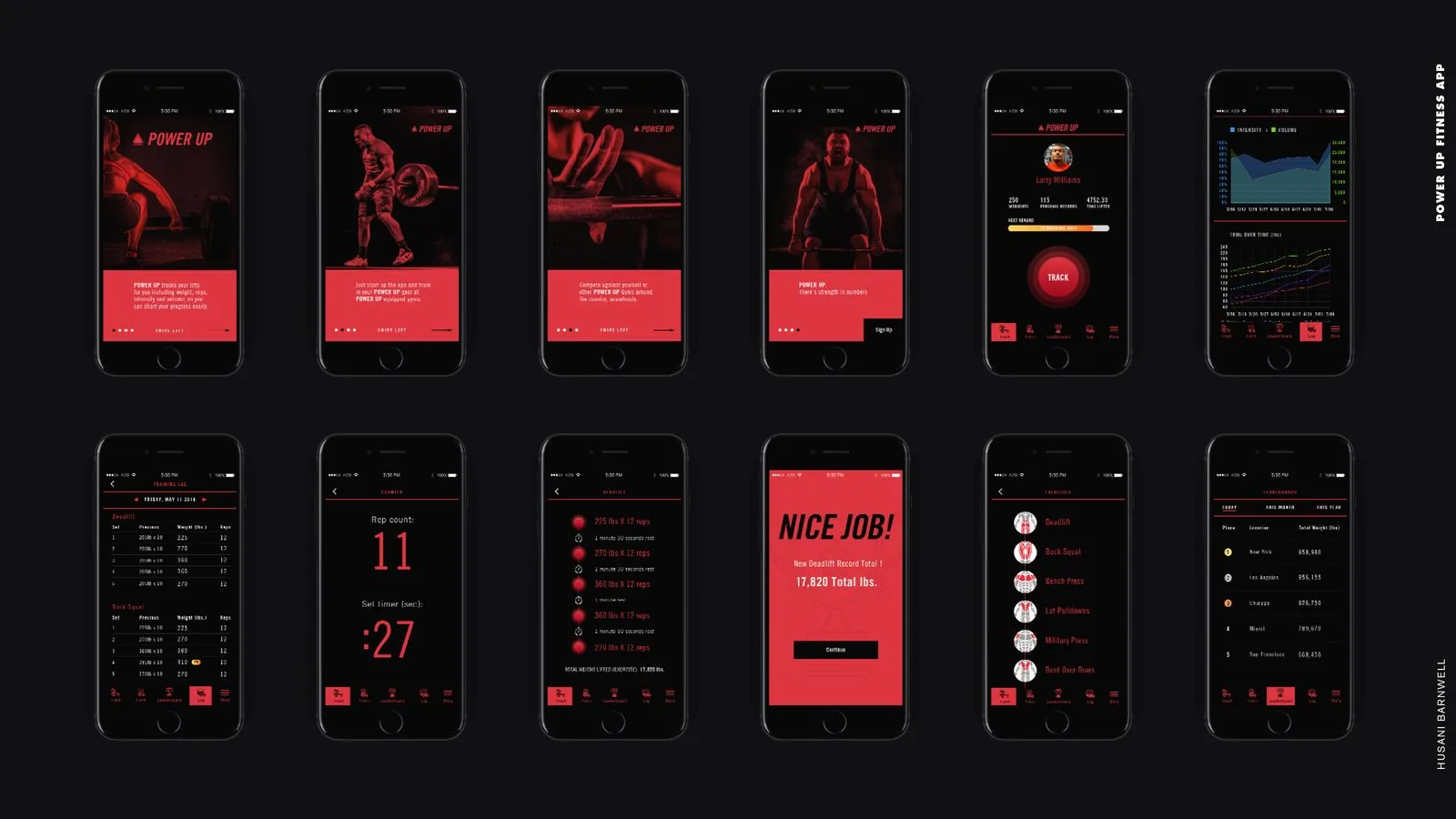
Final UI grid: twelve screens spanning onboarding, tracking, records, exercises and leaderboards.
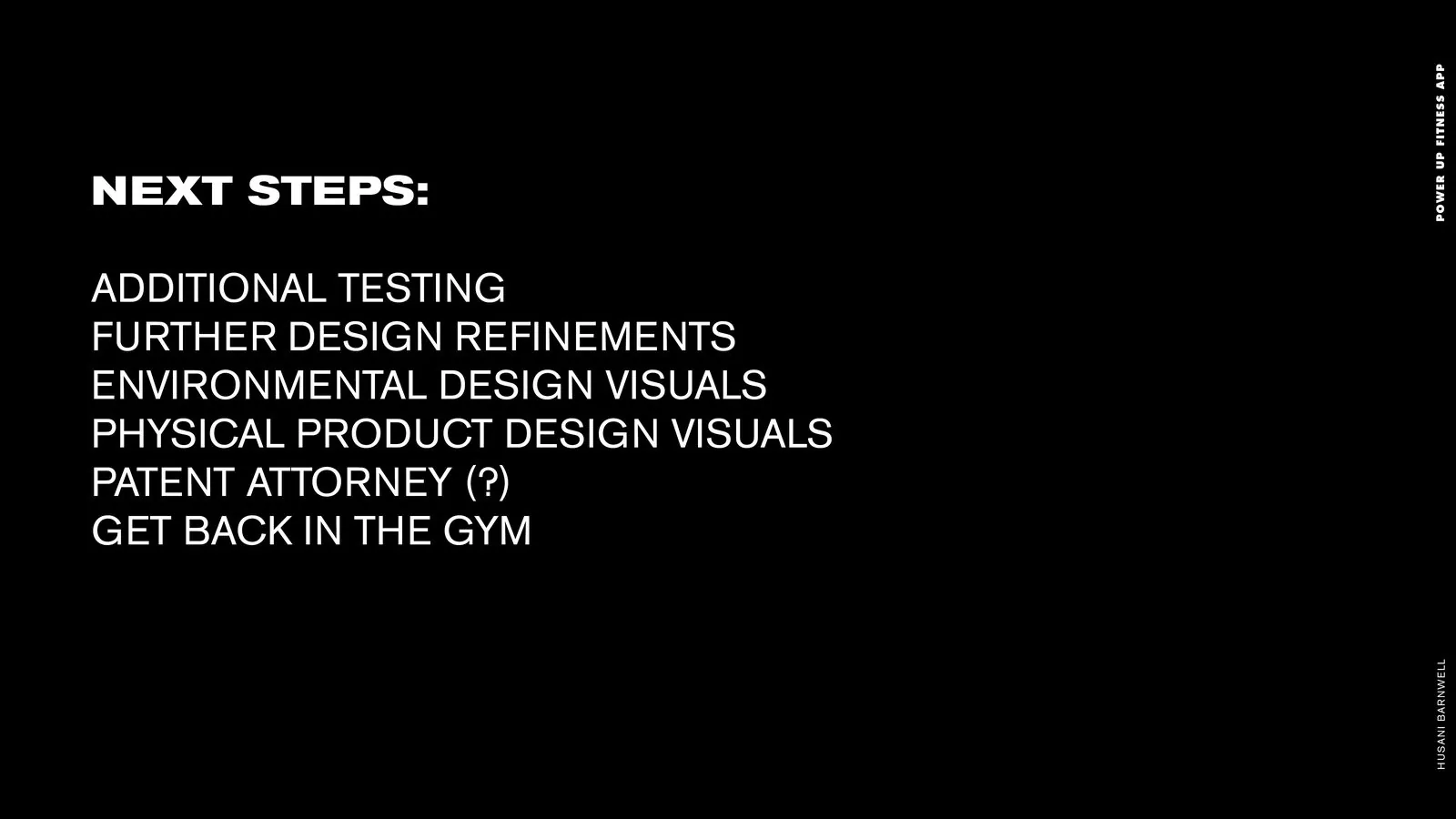
Next steps: additional testing, design refinements, environmental and product visuals, and back to the gym.

Closing slide: thank you.
POWER UP is a connected-fitness product designed end to end by Husani Barnwell, shaped through repeated user testing from onboarding to data design.